Low Resolution Image Maker
Convert high-resolution photos into charming low-res pixel art, retro gaming textures, and mosaic aesthetics.
Tap to choose or drop an imageDrop an image here, click to browse, or paste (Ctrl+V)
JPG, PNG, WebP, GIF up to 25 MB & 40 MP. Processes 100% in your browser.
Note: Animated GIFs will be processed using the first frame only.
Degradation Controls
Client WorkerAdvanced Retro Effects (Scanlines, Aberration, RGB)▼
What is a low resolution image maker?
A low resolution photo utility is an editor that reduces the spatial pixel density of photos. By downsampling pixel grids and applying nearest-neighbor reconstruction, it produces distinct chunky pixels, retro video game textures, and pixelated visual styles directly in your browser.
How to Make a Low Quality Image in 3 Steps
Everything runs inside your browser sandbox with hardware-accelerated Canvas workers.
- 01No Upload To Server
Drop or Paste Image
Drag and drop any picture, click to browse from your device, or press Ctrl+V to paste directly from your clipboard.
- 02Real-Time Split Preview
Tune Degradation Sliders
Pick a viral 1-click preset or customize JPEG crush, pixelation, noise, chromatic aberration, scanlines, and passes.
- 03Instant Export
Download or Copy
Export clean JPEG, PNG, or WebP files with zero watermarks, copy directly to your clipboard, or batch-download as a ZIP.
Degradation Controls Cheat-Sheet
Master every slider to craft the exact visual distortion needed for your meme, project, or file size target.
JPEG Quality
1% – 100%Quantizes high-frequency image frequencies, producing classic 8x8 block artifacts and ringing.
Pixelate (Mosaic)
1x – 32xDownsamples the image to a low grid resolution and upscales without smoothing (nearest neighbor).
Recompression Passes
1 – 30 passesIteratively encodes and re-compresses the image canvas to mimic generational loss across group chats.
Deep Fry & Contrast
0% – 100%Hyper-saturates vibrant pixels, clips highlights, and boosts warm red-yellow color tones.
Digital Noise / Grain
0% – 100%Injects random luminance and chrominance jitter into every pixel to simulate low-light sensor noise.
Chromatic Aberration
0px – 30pxDisplaces the Red and Blue color channels horizontally, producing a lens dispersion fringe.
CRT / VHS Scanlines
0% – 100%Darkens alternating horizontal pixel raster rows to emulate cathode ray tube televisions.
Vignette
0% – 100%Darkens the outer corners of the image using a smooth quadratic radial gradient.
Target File Size (KB)
10 KB – 5,000 KBExecutes binary search on JPEG compression to hit an exact threshold for strict file upload forms.
Before & After Degradation Showcase
Compare clean source photos with authentic algorithmic degradation. Click “Open in Tool” to load any source photo and its exact settings directly into the live workspace.
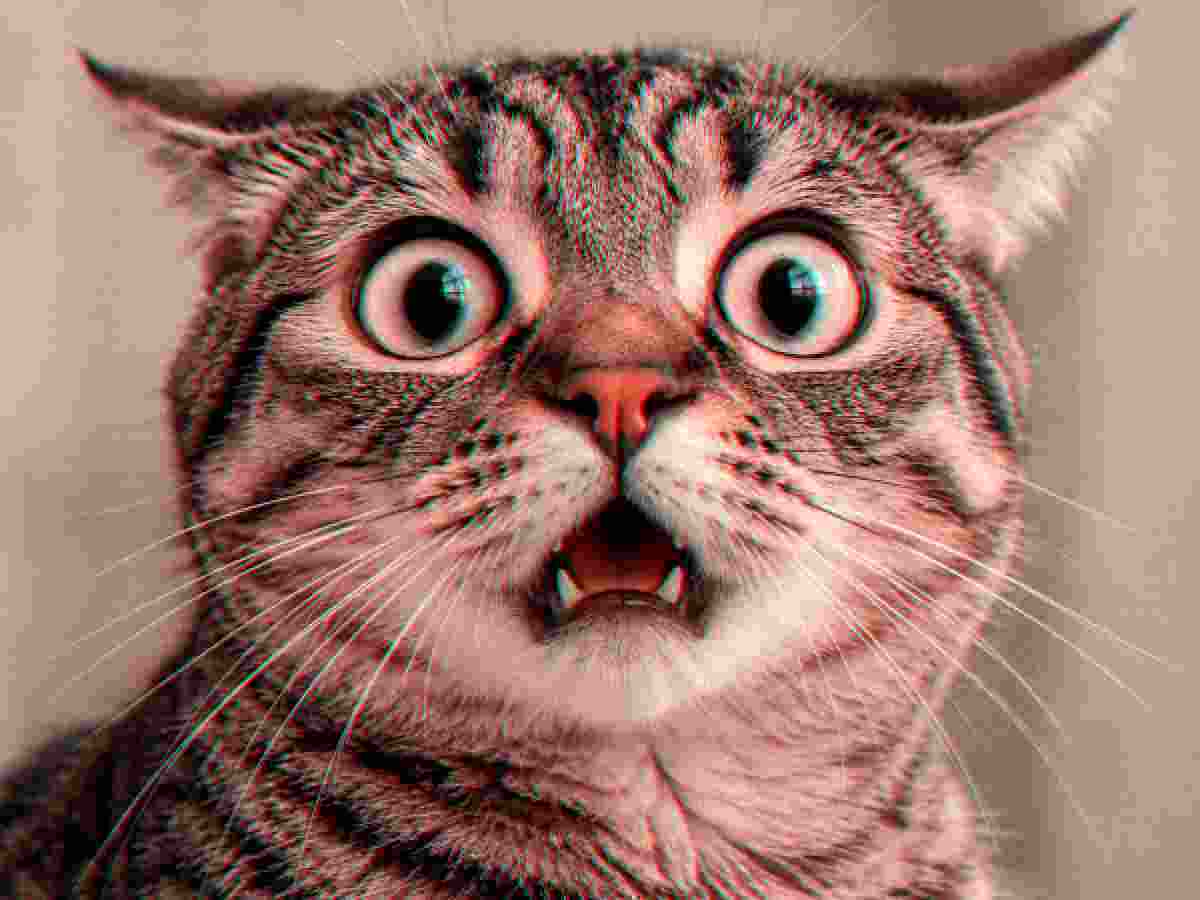
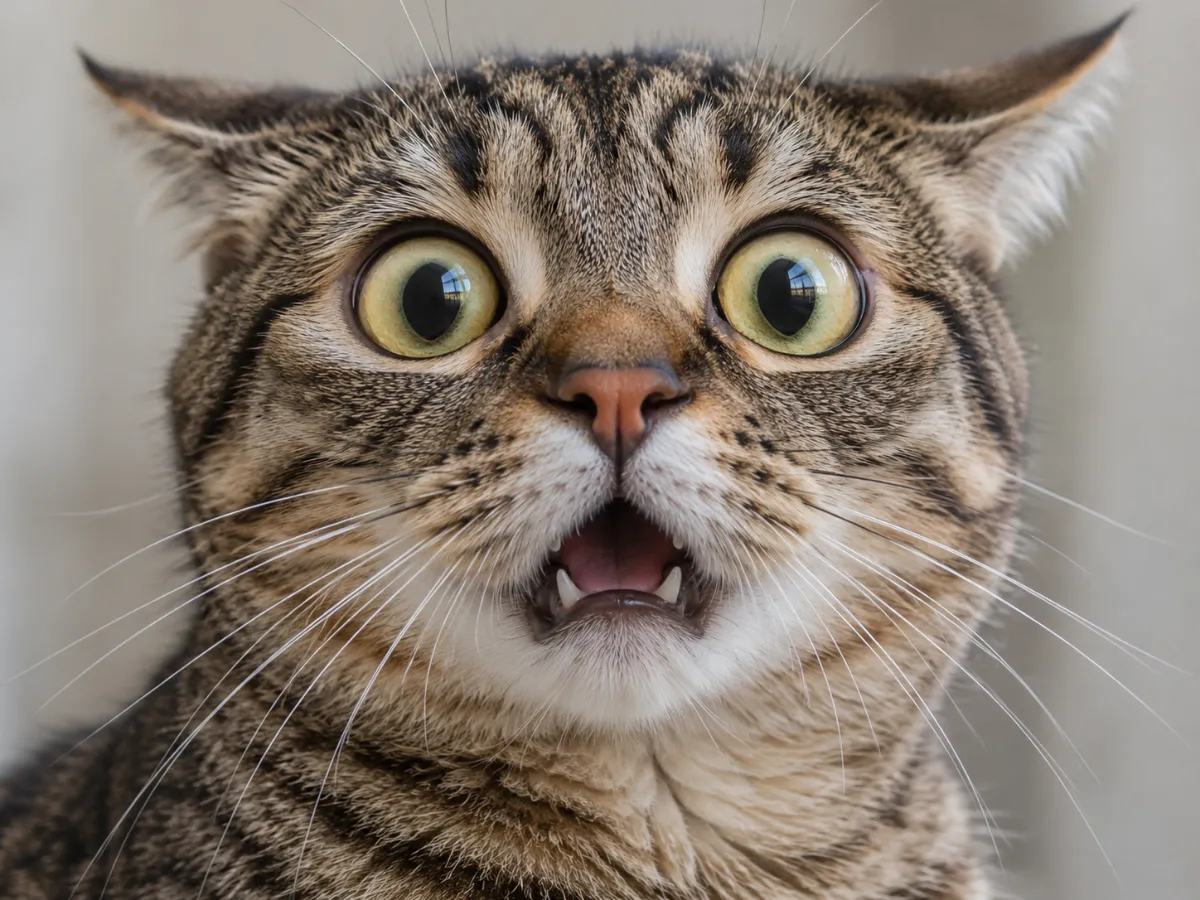 OriginalDegraded
Meme Crunch
MemeQuality 8% • 8 Passes • Pixelate 2x • Deep Fry 15%
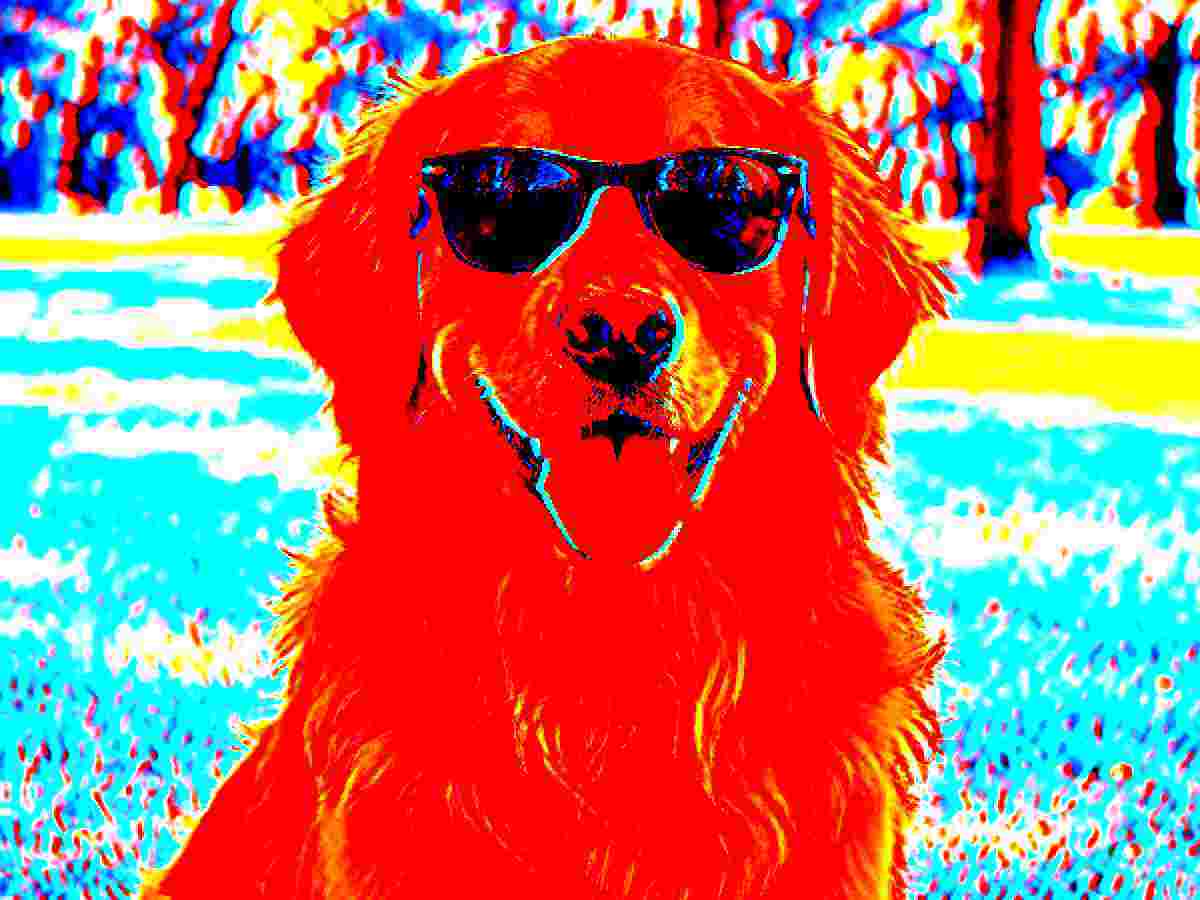
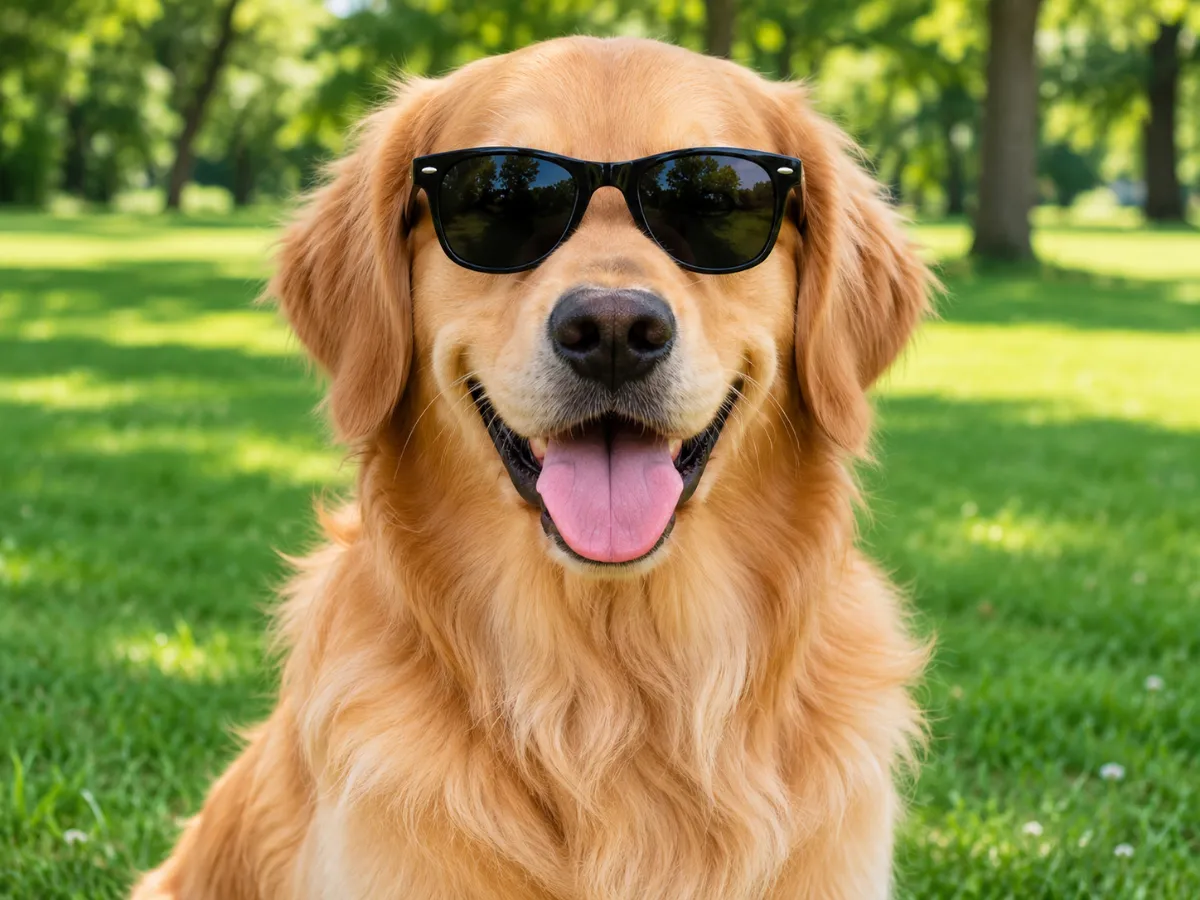 OriginalDegraded
Deep Fried
Deep FryQuality 10% • 3 Passes • Pixelate 2x • Deep Fry 85%
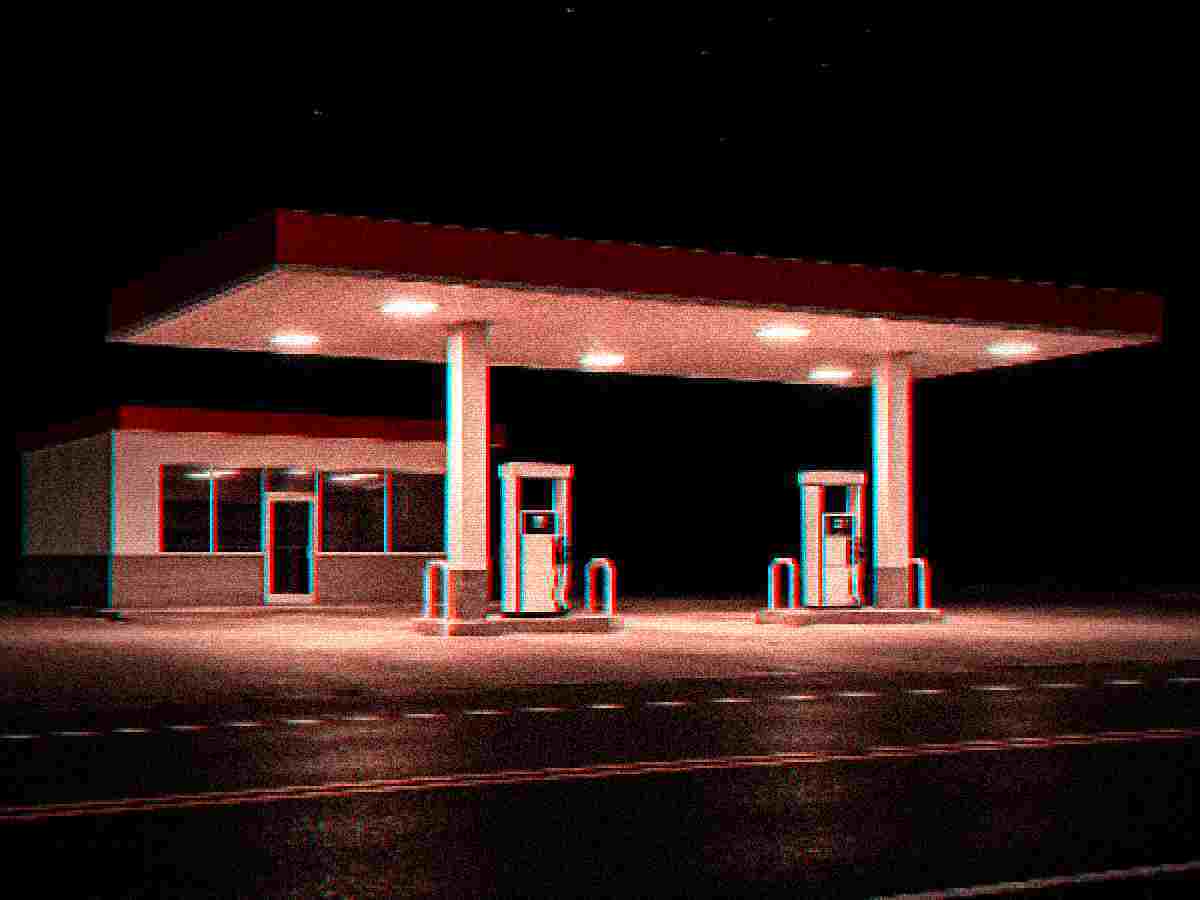
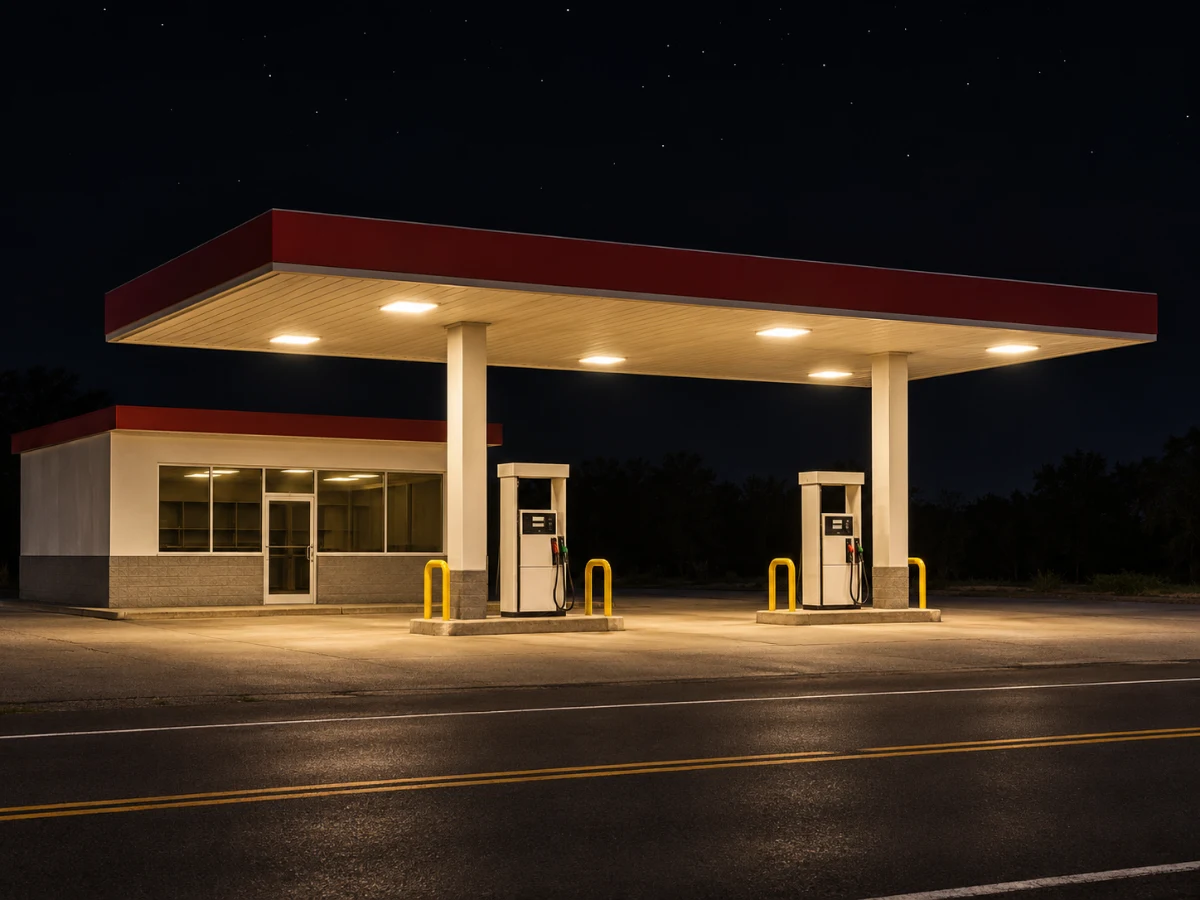 OriginalDegraded
Night Grain
Lo-FiQuality 14% • 2 Passes • Pixelate 3x • Deep Fry 20%
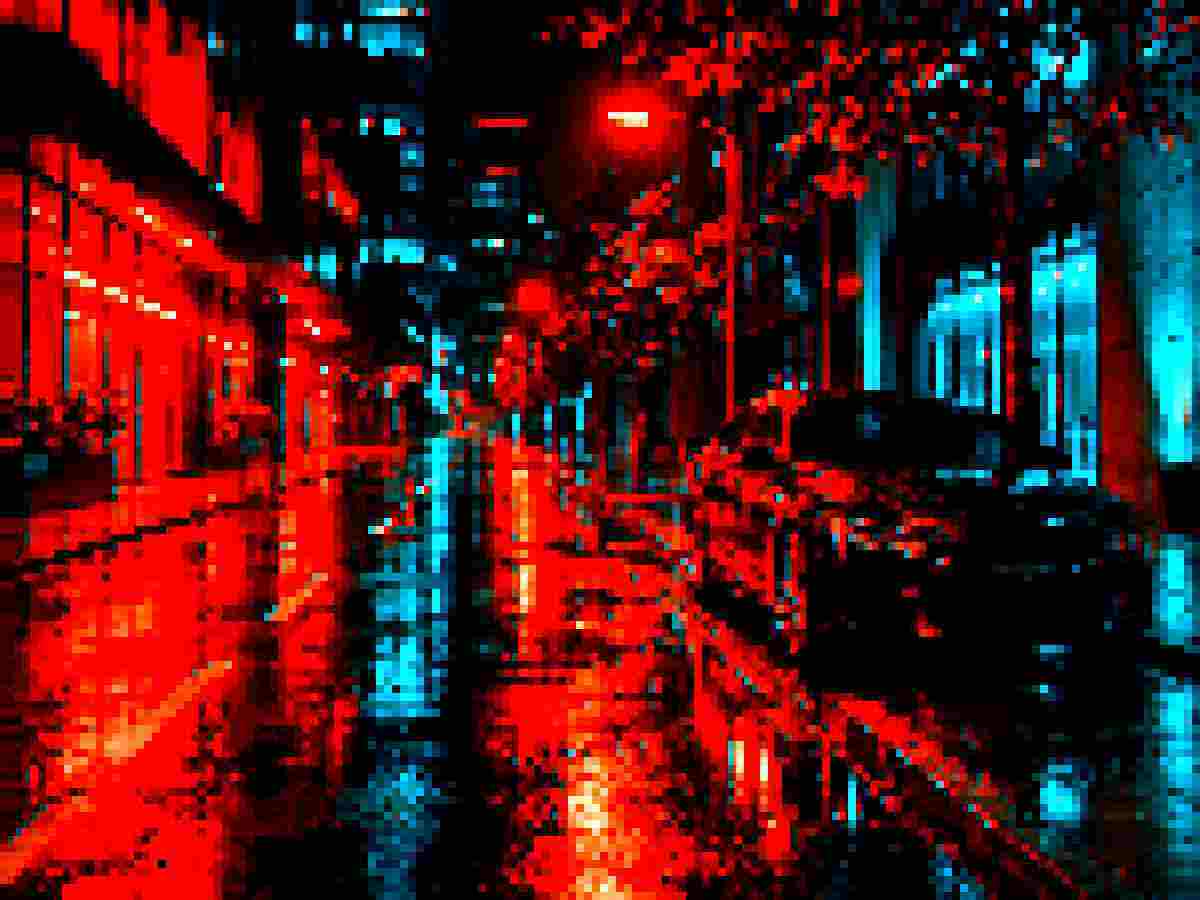
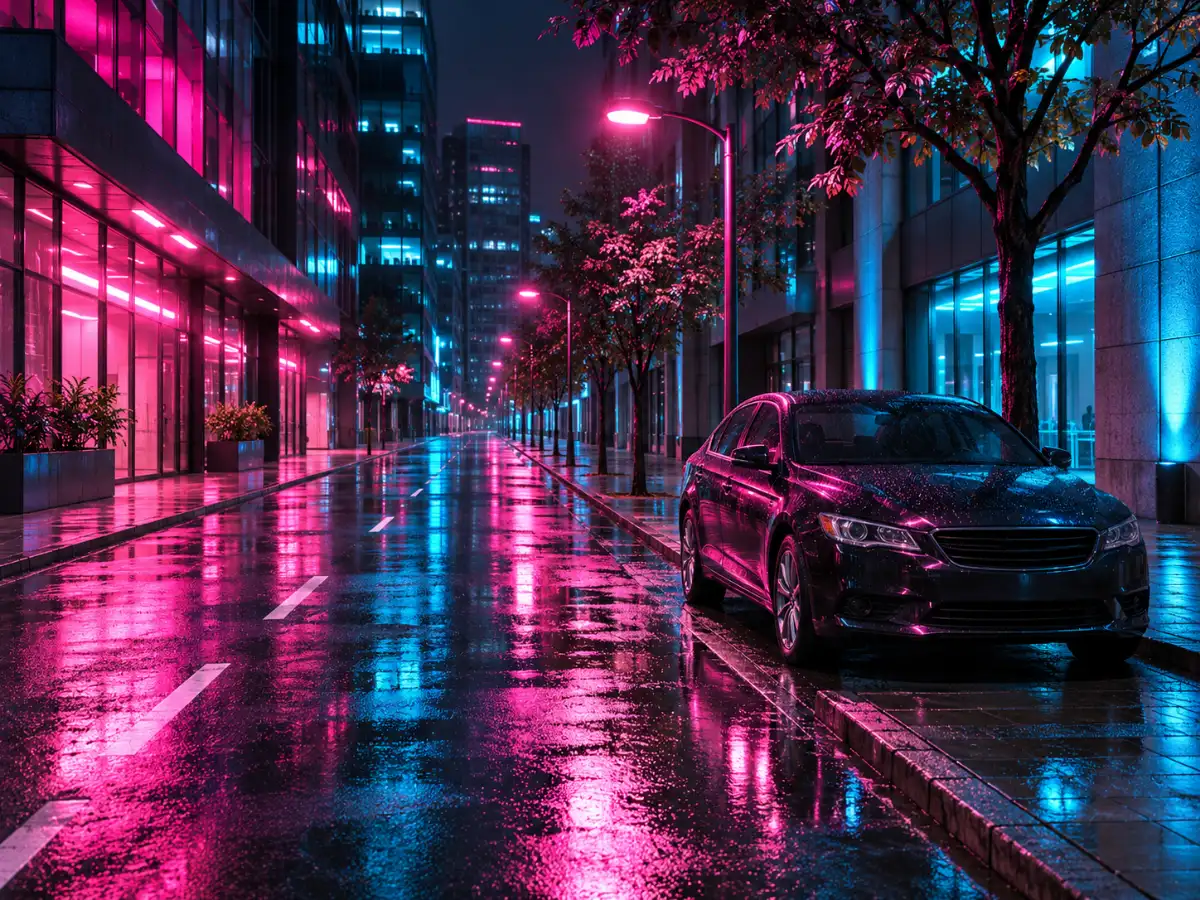 OriginalDegraded
Pixel Blocks
PixelateQuality 12% • 3 Passes • Pixelate 8x • Deep Fry 25%
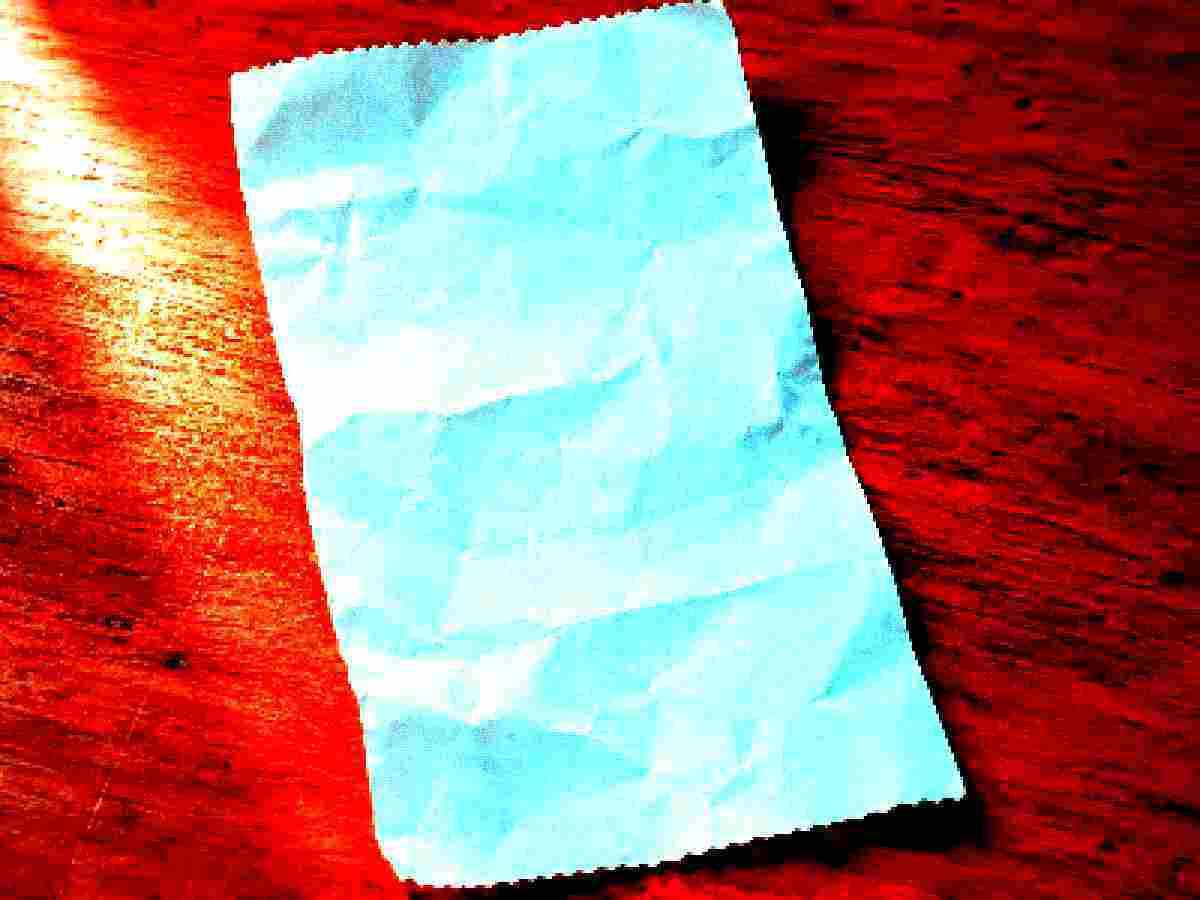
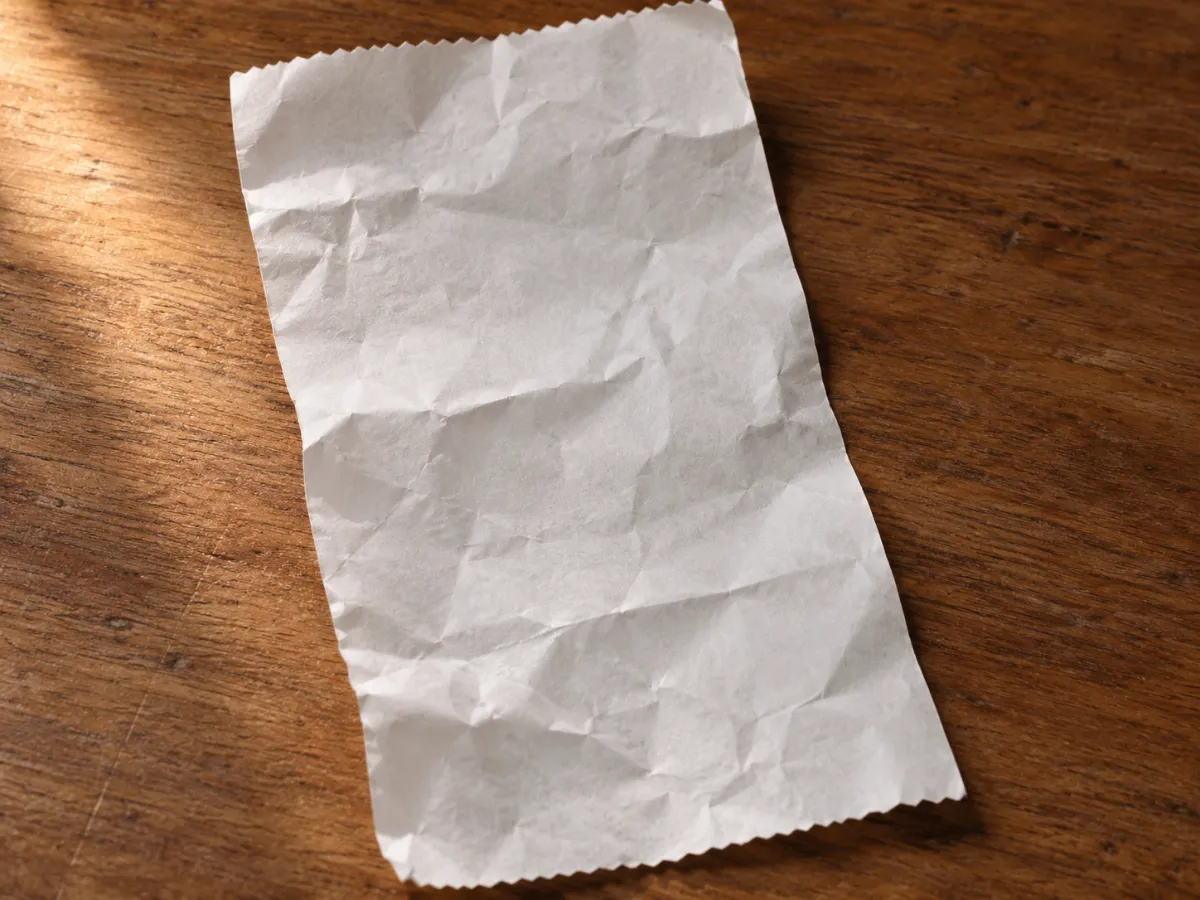 OriginalDegraded
Old Scan
DocumentQuality 12% • 2 Passes • Pixelate 3x • Deep Fry 75%
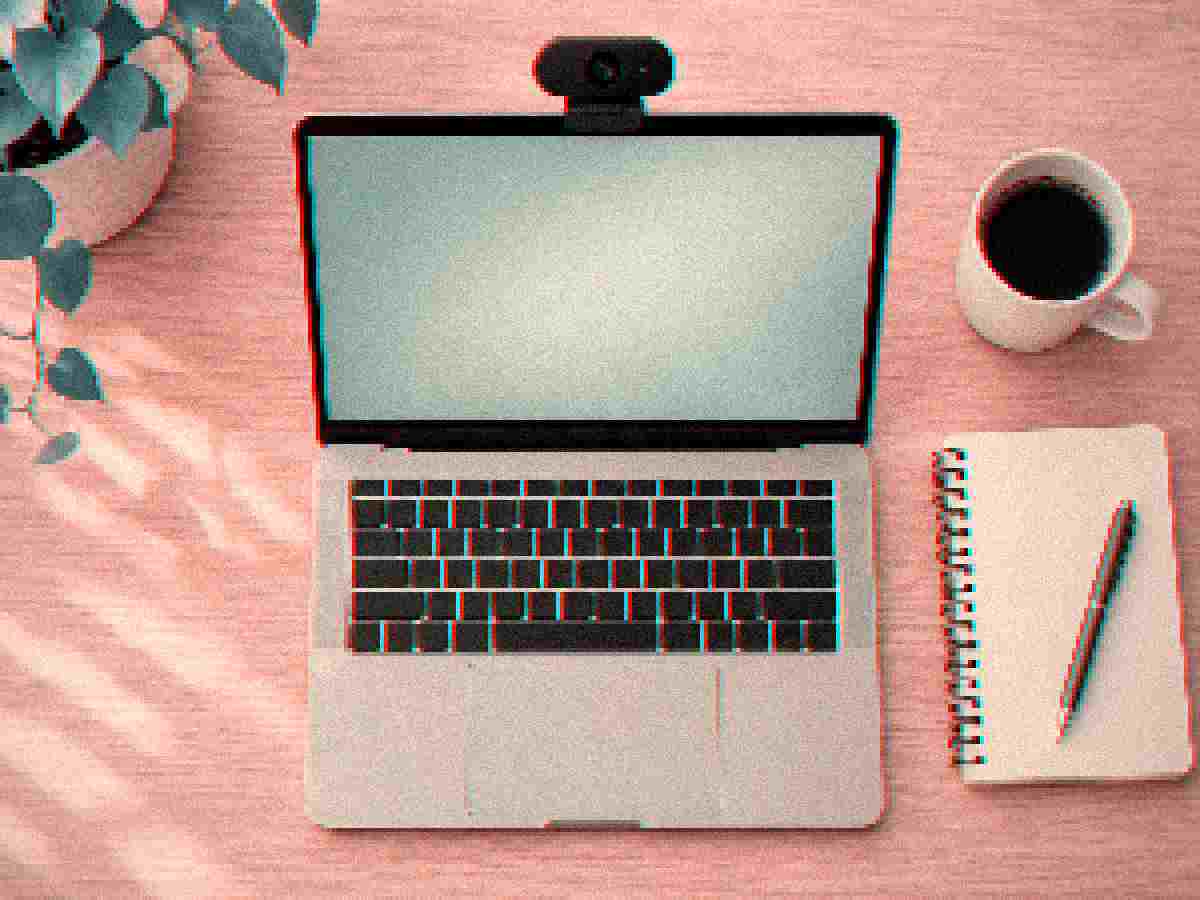
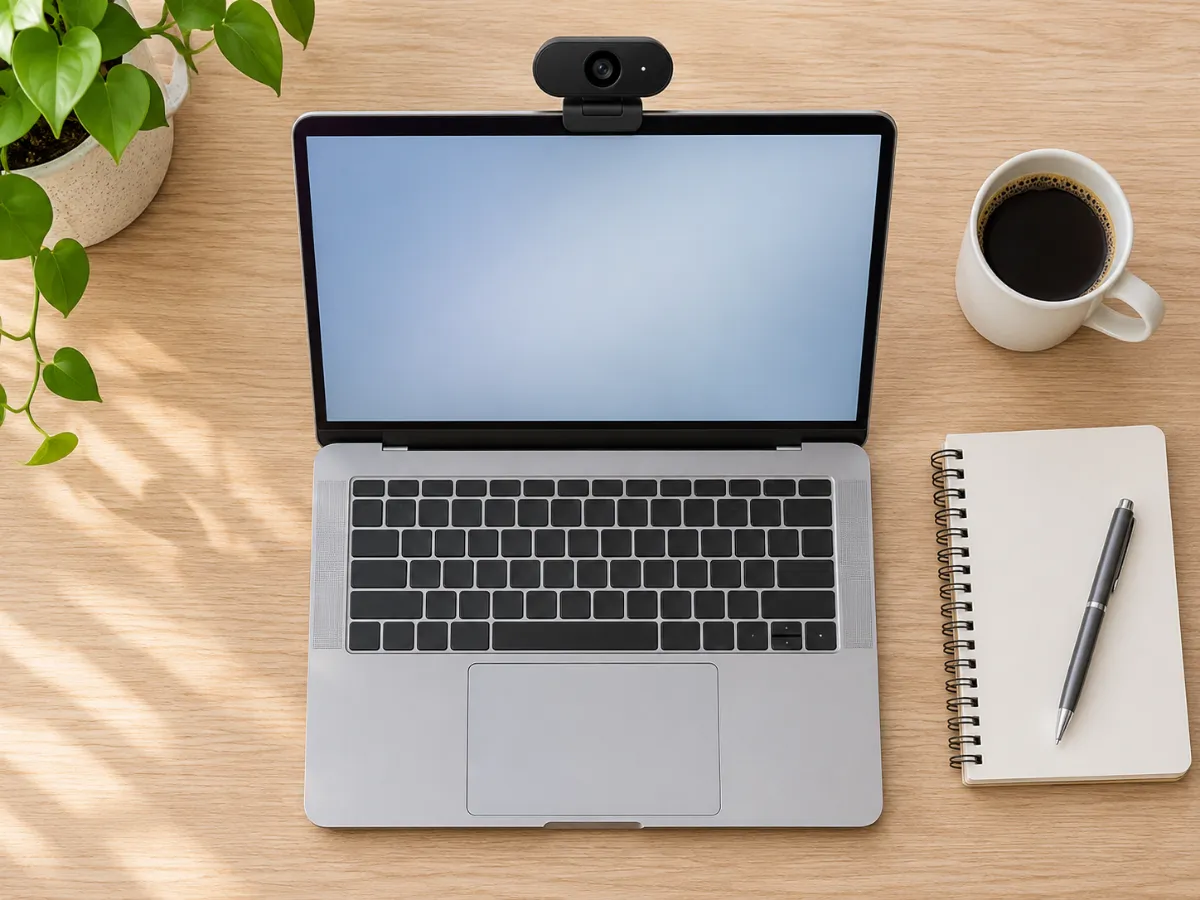 OriginalDegraded
Webcam Soft
VintageQuality 14% • 2 Passes • Pixelate 4x • Deep Fry 10%
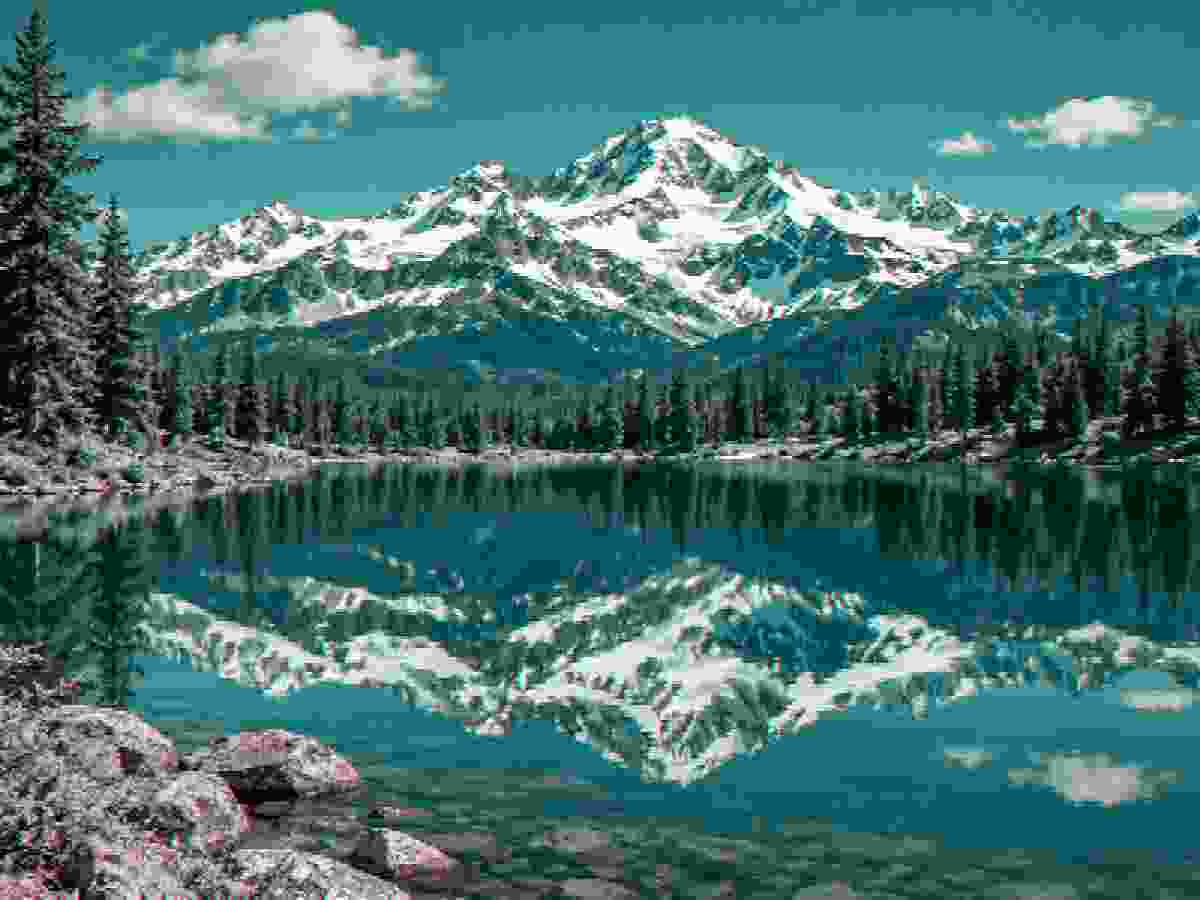
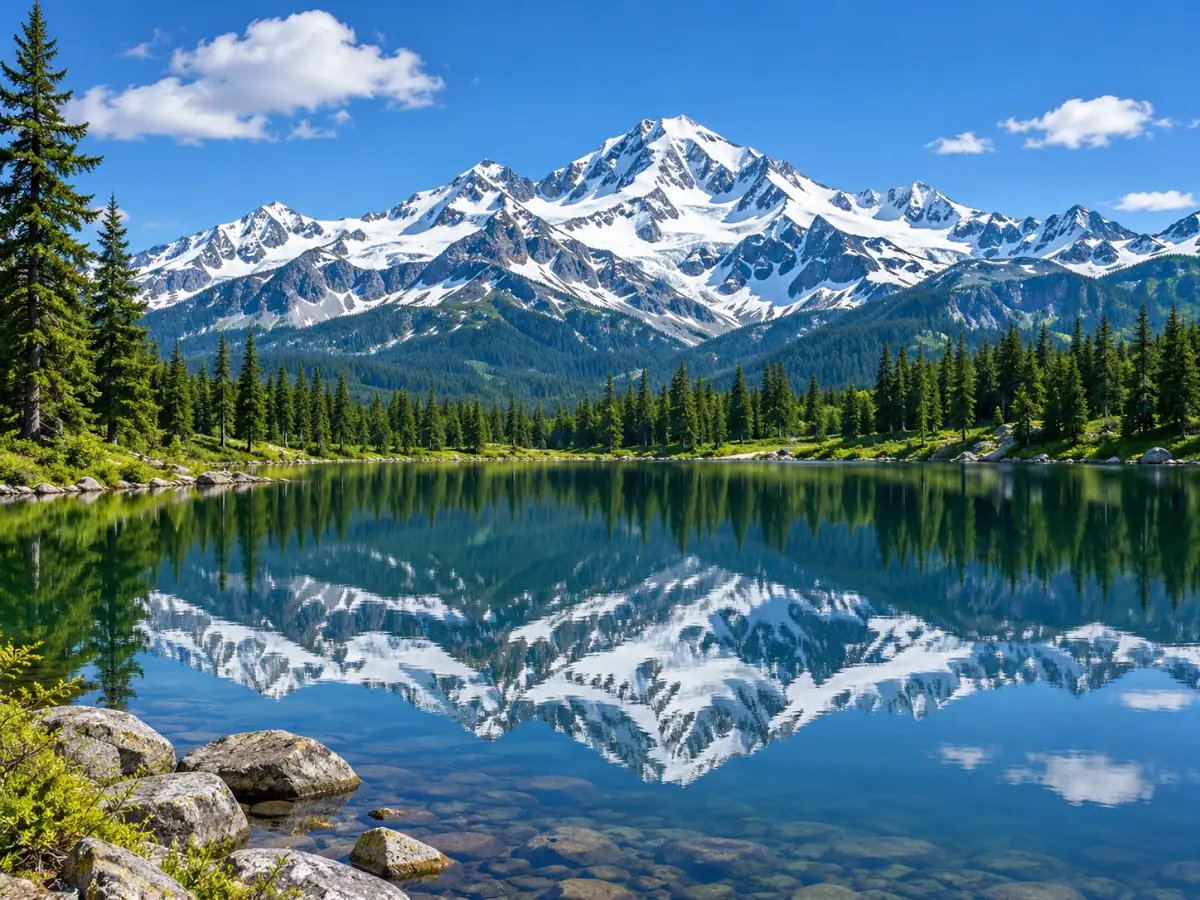 OriginalDegraded
Tiny KB
Ultra LowQuality 5% • 6 Passes • Pixelate 3x • Deep Fry 5%

 OriginalDegraded
Retro Pixel
Retro 8-BitQuality 15% • Pixelate 12x • Deep Fry 30% • Noise 10%
Example photos are AI-generated.
The Allure of the Retro Pixel Aesthetic
Creating an authentic low resolution image has become a celebrated visual trend. High-definition photography can often look sterile. Transforming modern pictures into chunky pixel art brings warmth and nostalgic charm to any graphic design project.
Our in-browser converter downscales pixels using nearest-neighbor interpolation. This ensures sharp, crisp square blocks rather than blurry, muddy smears. It provides the ideal toolset for crafting vintage low res images on your computer or phone.
Every conversion operates directly in local memory. You can adjust the pixel grid from slight pixelation to extreme chunky mosaics with immediate preview feedback.
Turn Any Picture Into a Low-Res Artwork
You can transform any portrait or scenery photo into a stylized low-res graphic. Adjust the pixel block slider between four and sixteen to discover the ideal mosaic density. Key silhouettes remain recognizable while acquiring distinctive eight-bit personality.
Indie game developers frequently use our tool to convert textures into a low res image for prototypes. Retro game enthusiasts can simulate handheld console aesthetics in real time. You can turn any photo into an eye-catching low resolution pic in seconds.
Combining spatial downsampling with subtle scanlines produces an authentic arcade feel. You can craft a distinctive low res picture for profile avatars, social banners, or indie game assets.
Technical Downsampling Versus Blurry Scaling
Standard image editors often apply bicubic smoothing when scaling down photos. That results in blurry, indistinct edges that lack visual definition. Our engine turns off bilinear filtering to keep pixel boundaries hard and punchy.
This approach guarantees genuine eight-bit and sixteen-bit aesthetic appeal. You can produce a stunning retro graphic that scales cleanly on modern retina screens.
Optimizing Output for Social Media and Games
Exporting your pixelated creations in PNG format preserves crisp block boundaries without blur. When shared on social networks, your images retain their distinct retro character.
Our tool makes it simple to test different grid resolutions without leaving your browser tab. Enjoy creating memorable pixel graphics for games, avatars, and digital art.
Related Tools for Retro and Meme Creators
When you want to pair chunky pixels with comedic timing, design low quality memes. If you must meet strict upload kilobyte sizes, use our tool to lower image quality.
For all-around digital degradation, visit our main low quality image maker. Everything processes securely inside your browser sandbox with zero server uploads.
Why People Intentionally Degrade Images
From viral humor to strict document compliance, low quality imagery serves a distinct creative and technical purpose.
Memes & Viral Humor
Clean 4K images feel sterile in internet meme culture. Deep-frying, JPEG crushing, and pixelating punchlines signals genuine viral humor and community resonance.
Retro & Lo-Fi Aesthetics
Recreate the nostalgic feeling of early 2000s webcams, flip phone snapshots, VHS tracking fuzz, and 8-bit handheld console graphics for music covers and artistic design.
Network & Compression Stress-Testing
Software developers and QA engineers use degraded images to test how responsive web apps, caching pipelines, and machine learning models handle corrupted or low-bandwidth assets.
Bypassing Strict File Size Caps
University application portals, visa forms, and legacy government websites often strictly enforce under 50 KB or 100 KB file limits. Lower quality to hit the exact ceiling.
Frequently Asked Questions: Low Resolution Images
Learn about spatial downsampling, nearest-neighbor scaling, and retro pixel aesthetics.
What makes a picture low resolution?
What does low resolution image mean?
How do I make an image low resolution?
Can this tool make a low resolution image high resolution?
Does making a high resolution image low resolution change my original file?
Explore Related Degradation Tools
low quality image maker
Return to the main degradation lab for custom JPEG artifacts, noise, blur, and batch conversion.
low quality memes
Pair retro downsampling with bold caption text and comedic noise.
lower image quality
Reduce picture size to exact kilobyte targets with client-side binary search.