تقليل جودة الصورة أونلاين
حوّل صورك عالية الدقة إلى صور منخفضة الجودة ومبكسلة بأسلوب ريترو ممتع في الوقت الفعلي داخل متصفحك.
Tap to choose or drop an imageDrop an image here, click to browse, or paste (Ctrl+V)
JPG, PNG, WebP, GIF up to 25 MB & 40 MP. Processes 100% in your browser.
Note: Animated GIFs will be processed using the first frame only.
Degradation Controls
Client WorkerAdvanced Retro Effects (Scanlines, Aberration, RGB)▼
ما هي أداة تقليل جودة الصور؟
هي أداة ويب تقوم بتخفيض جودة الصور الرقمية عمداً عبر ضغط JPEG والبكسلة والتشويش الفني. تتم جميع العمليات في جهازك دون رفع الصور إلى أي خادم.
How to Make a Low Quality Image in 3 Steps
Everything runs inside your browser sandbox with hardware-accelerated Canvas workers.
- 01No Upload To Server
Drop or Paste Image
Drag and drop any picture, click to browse from your device, or press Ctrl+V to paste directly from your clipboard.
- 02Real-Time Split Preview
Tune Degradation Sliders
Pick a viral 1-click preset or customize JPEG crush, pixelation, noise, chromatic aberration, scanlines, and passes.
- 03Instant Export
Download or Copy
Export clean JPEG, PNG, or WebP files with zero watermarks, copy directly to your clipboard, or batch-download as a ZIP.
Degradation Controls Cheat-Sheet
Master every slider to craft the exact visual distortion needed for your meme, project, or file size target.
JPEG Quality
1% – 100%Quantizes high-frequency image frequencies, producing classic 8x8 block artifacts and ringing.
Pixelate (Mosaic)
1x – 32xDownsamples the image to a low grid resolution and upscales without smoothing (nearest neighbor).
Recompression Passes
1 – 30 passesIteratively encodes and re-compresses the image canvas to mimic generational loss across group chats.
Deep Fry & Contrast
0% – 100%Hyper-saturates vibrant pixels, clips highlights, and boosts warm red-yellow color tones.
Digital Noise / Grain
0% – 100%Injects random luminance and chrominance jitter into every pixel to simulate low-light sensor noise.
Chromatic Aberration
0px – 30pxDisplaces the Red and Blue color channels horizontally, producing a lens dispersion fringe.
CRT / VHS Scanlines
0% – 100%Darkens alternating horizontal pixel raster rows to emulate cathode ray tube televisions.
Vignette
0% – 100%Darkens the outer corners of the image using a smooth quadratic radial gradient.
Target File Size (KB)
10 KB – 5,000 KBExecutes binary search on JPEG compression to hit an exact threshold for strict file upload forms.
Before & After Degradation Showcase
Compare clean source photos with authentic algorithmic degradation. Click “Open in Tool” to load any source photo and its exact settings directly into the live workspace.
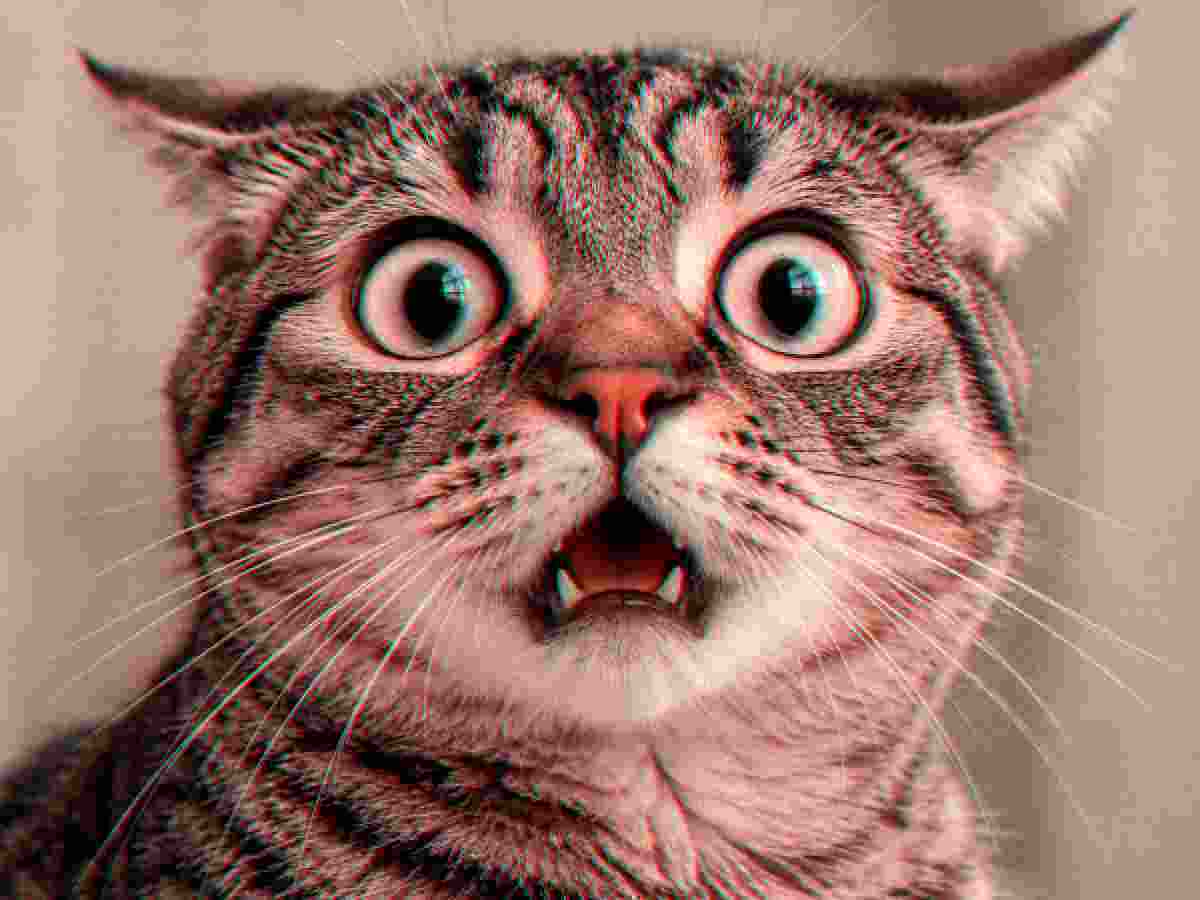
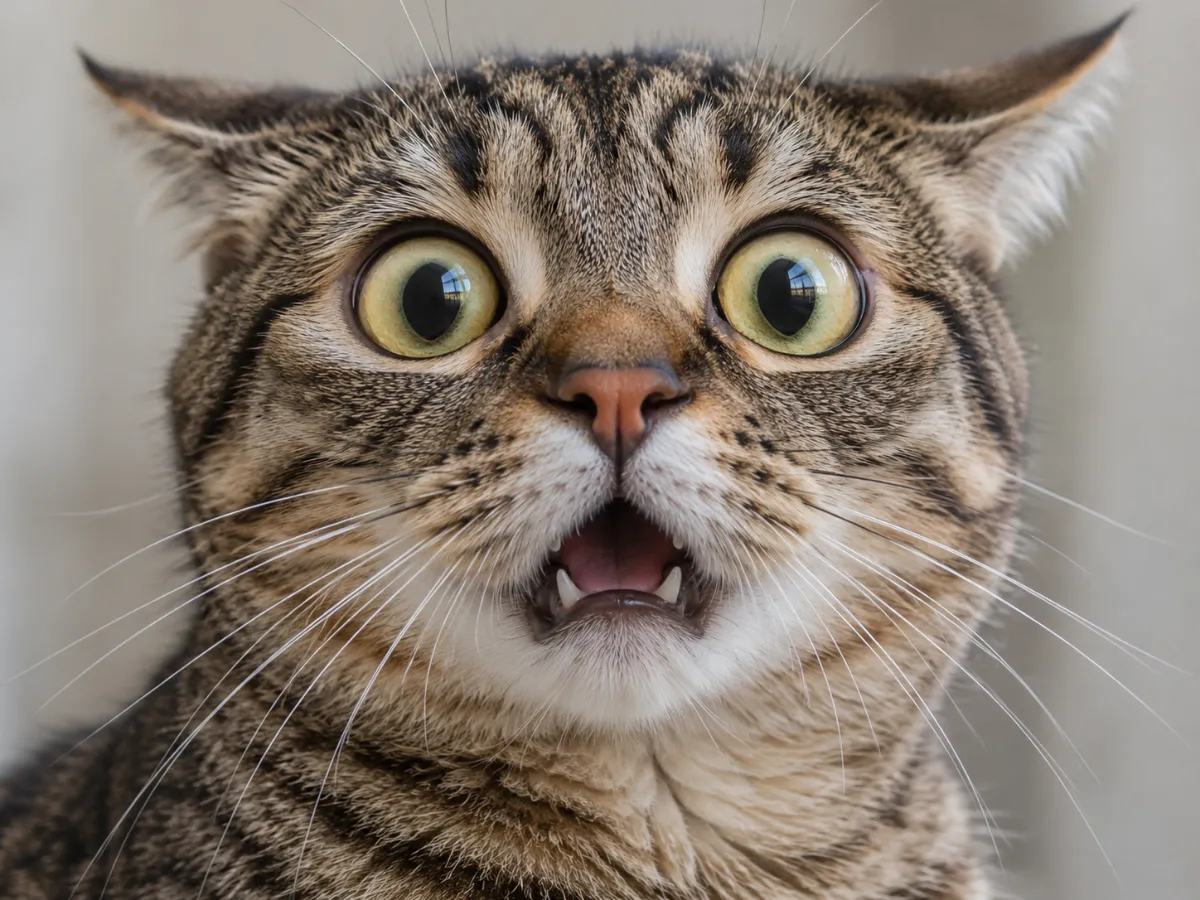 OriginalDegraded
Meme Crunch
MemeQuality 8% • 8 Passes • Pixelate 2x • Deep Fry 15%
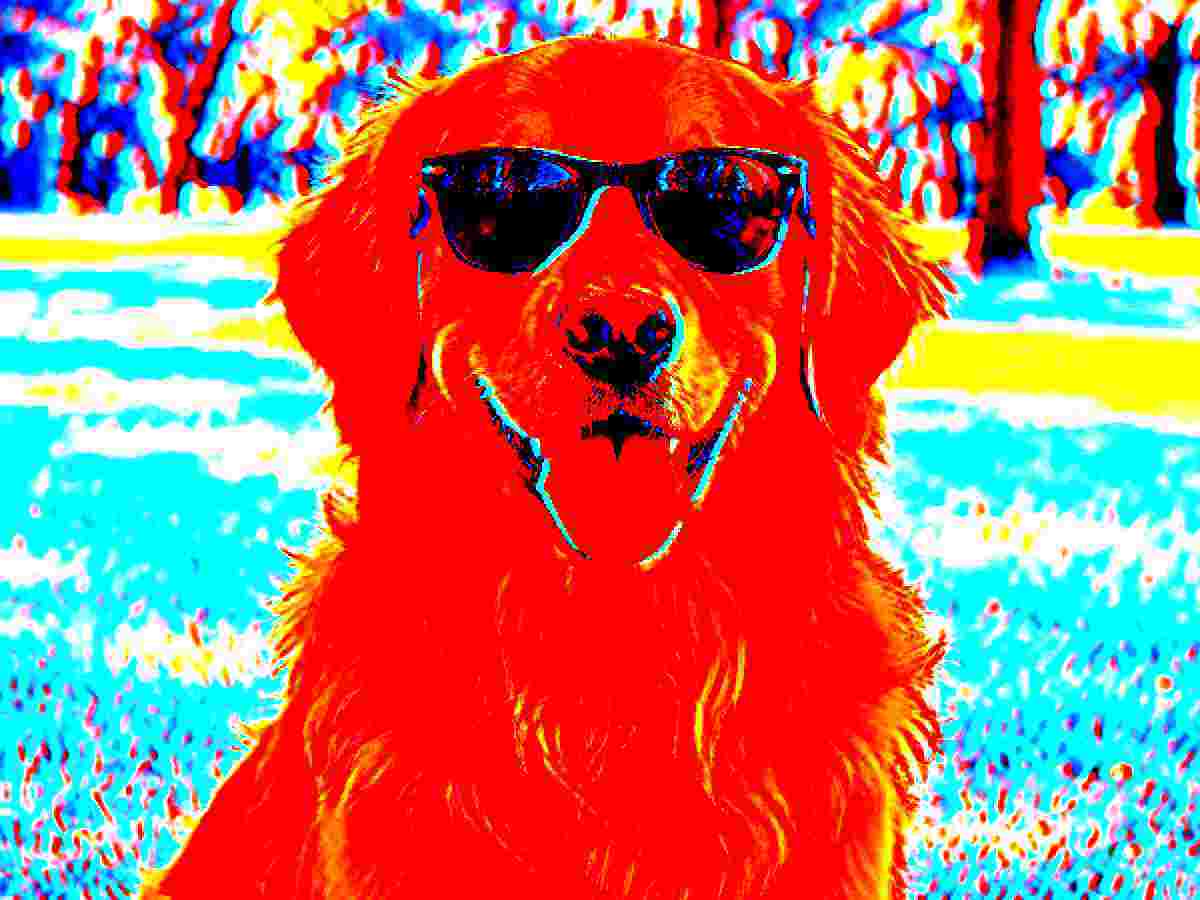
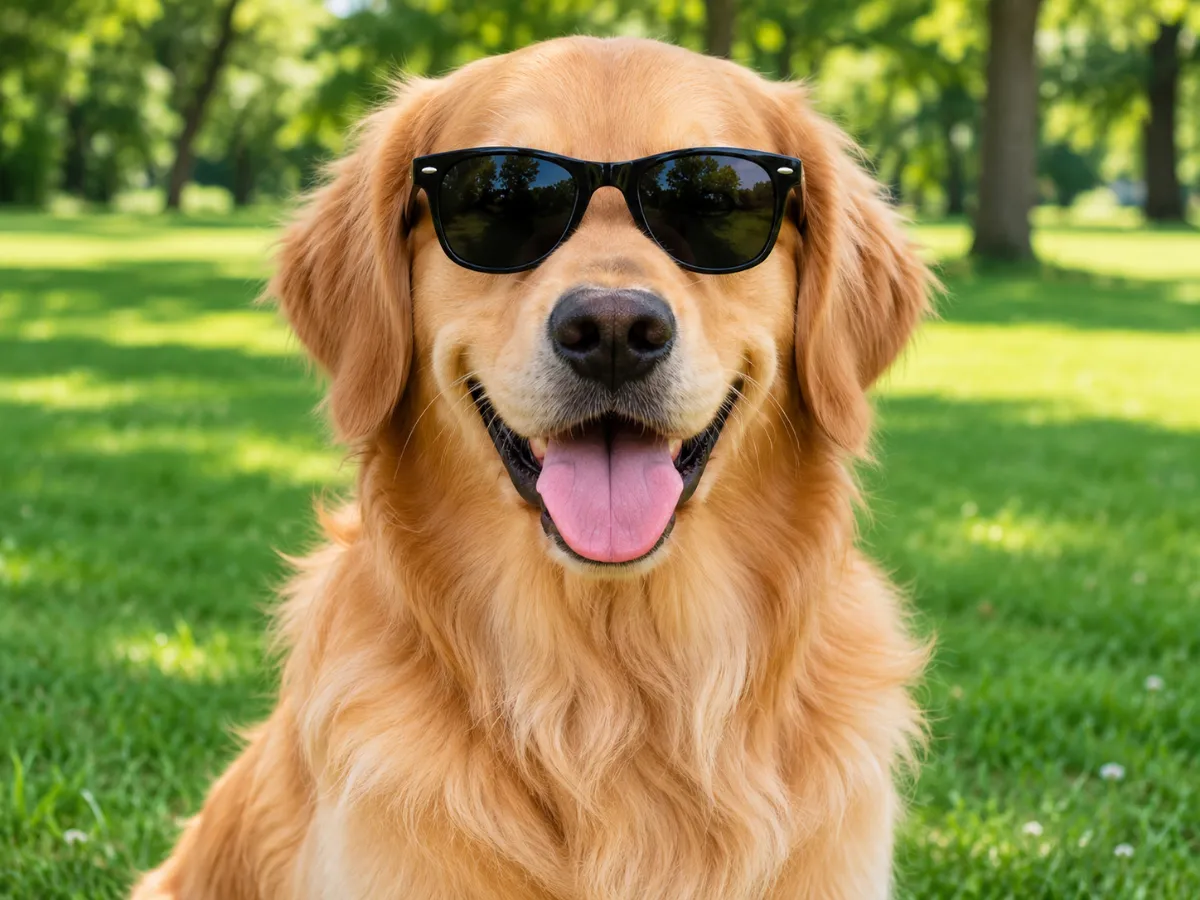 OriginalDegraded
Deep Fried
Deep FryQuality 10% • 3 Passes • Pixelate 2x • Deep Fry 85%
 OriginalDegraded
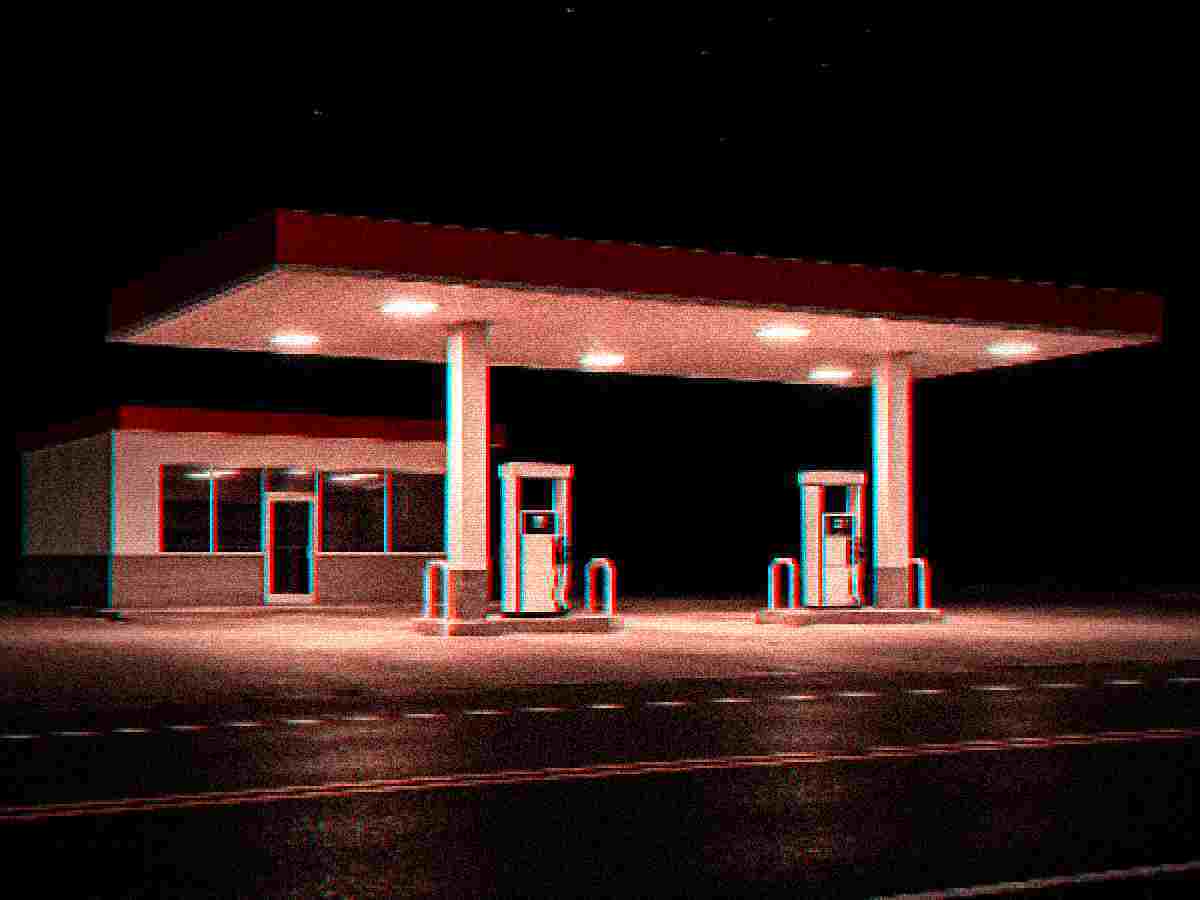
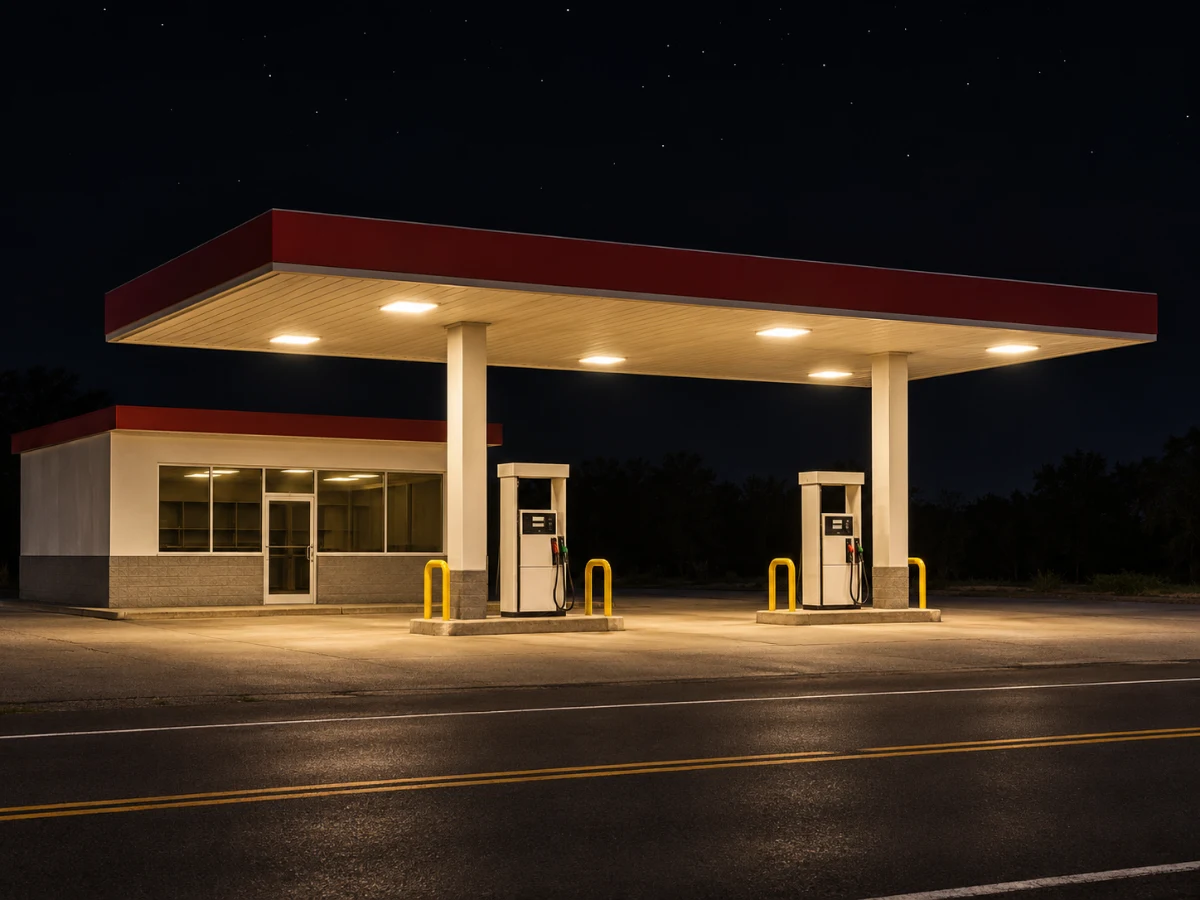
Night Grain
Lo-FiQuality 14% • 2 Passes • Pixelate 3x • Deep Fry 20%
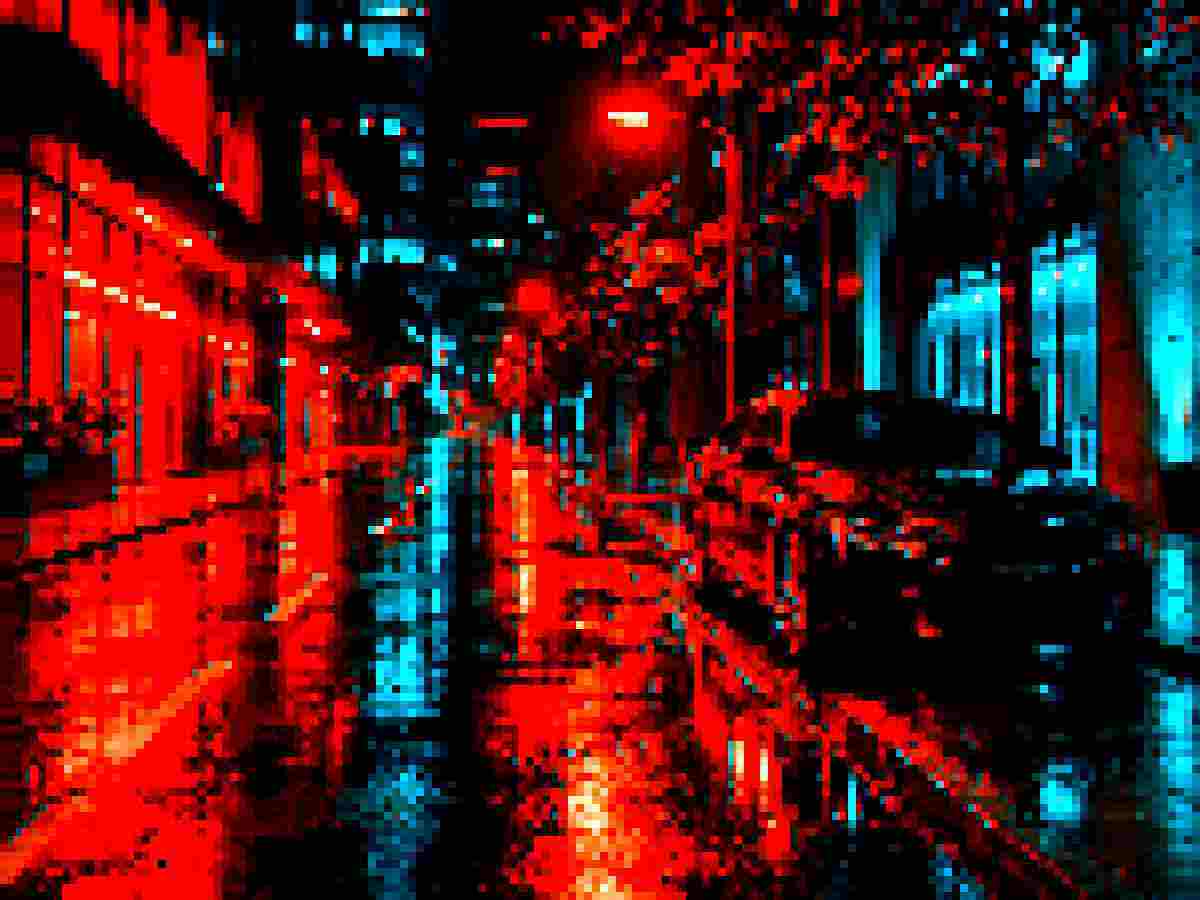
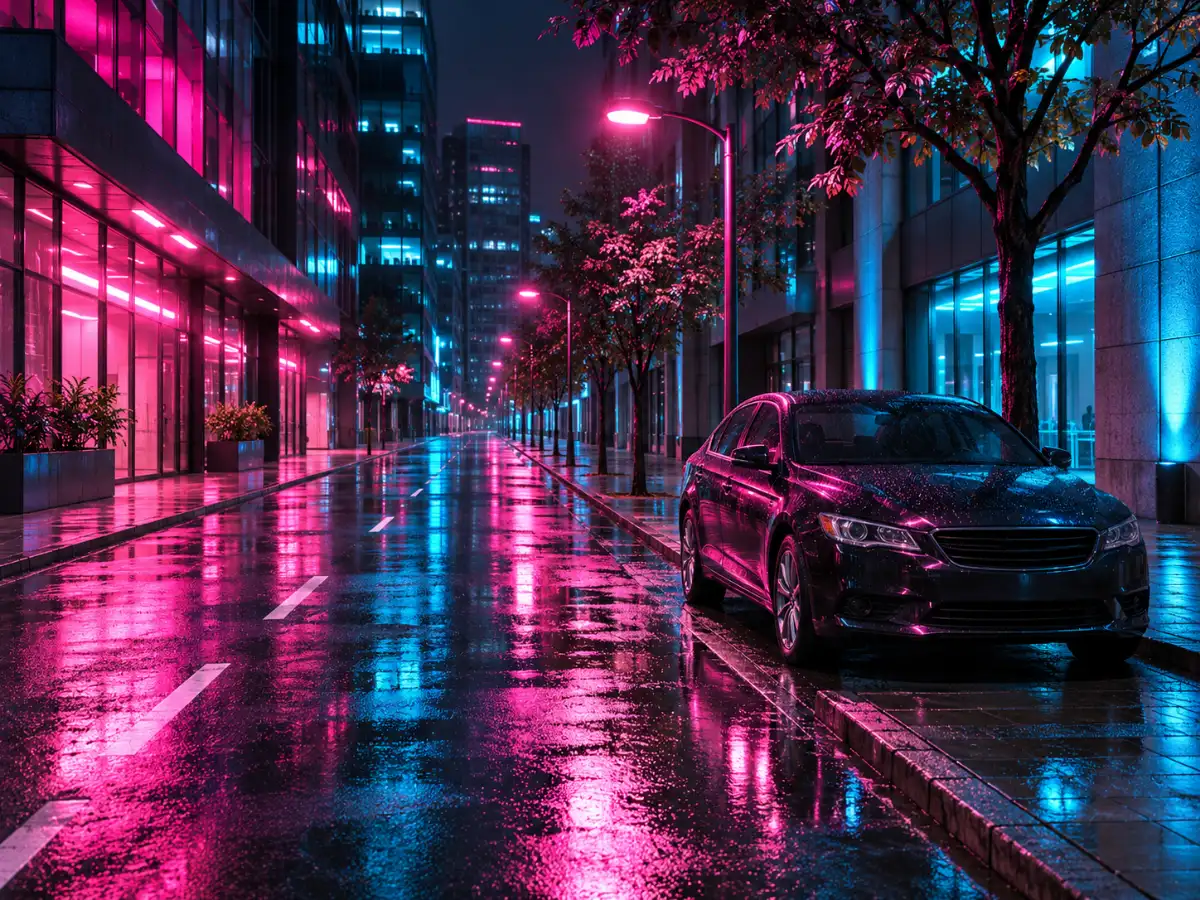 OriginalDegraded
Pixel Blocks
PixelateQuality 12% • 3 Passes • Pixelate 8x • Deep Fry 25%
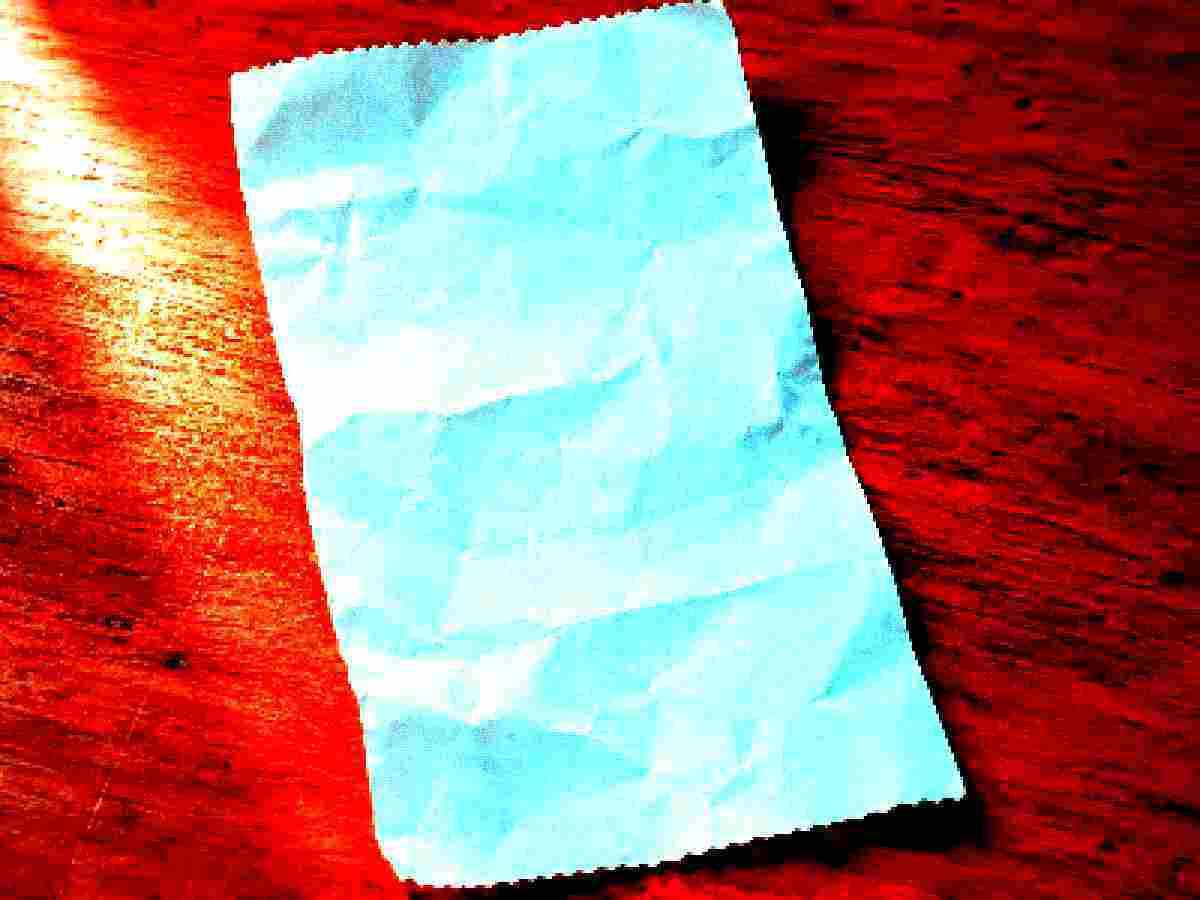
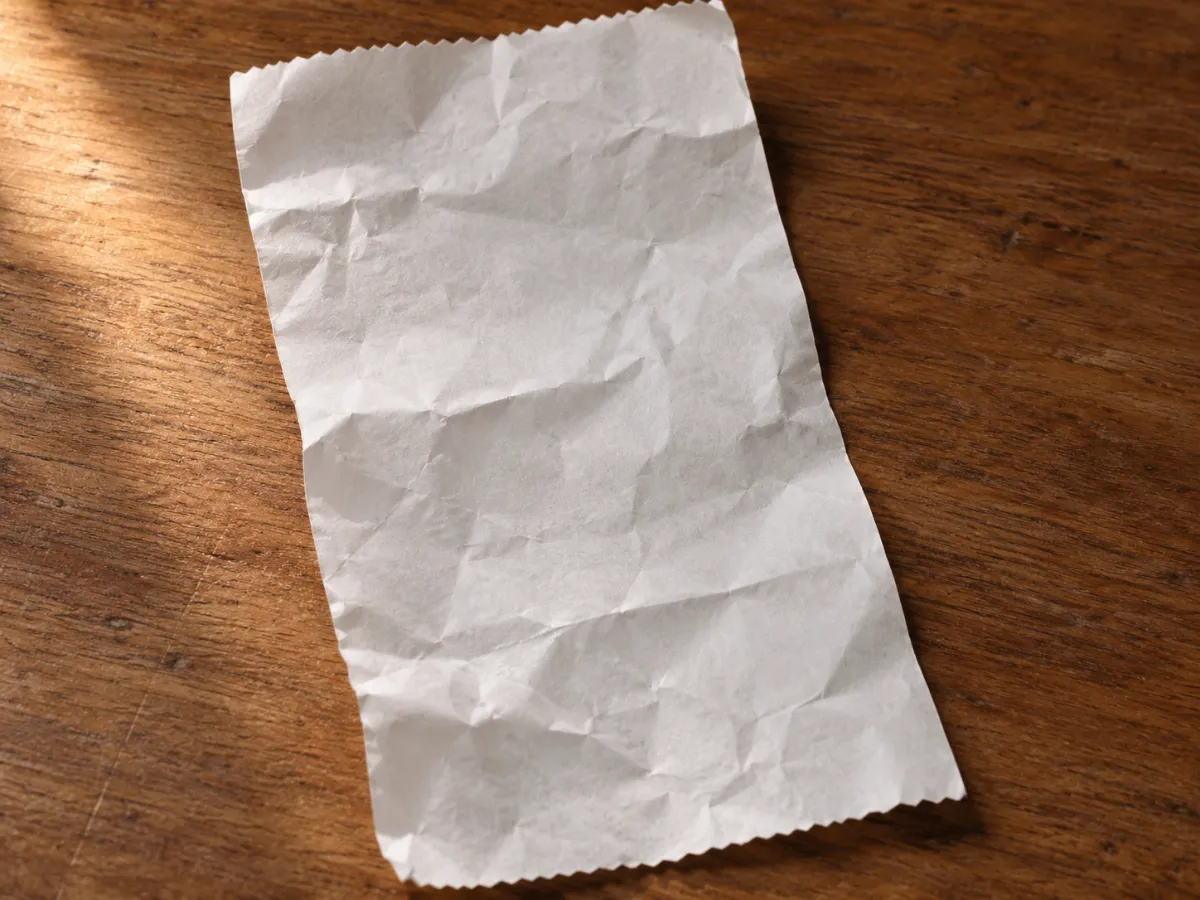 OriginalDegraded
Old Scan
DocumentQuality 12% • 2 Passes • Pixelate 3x • Deep Fry 75%
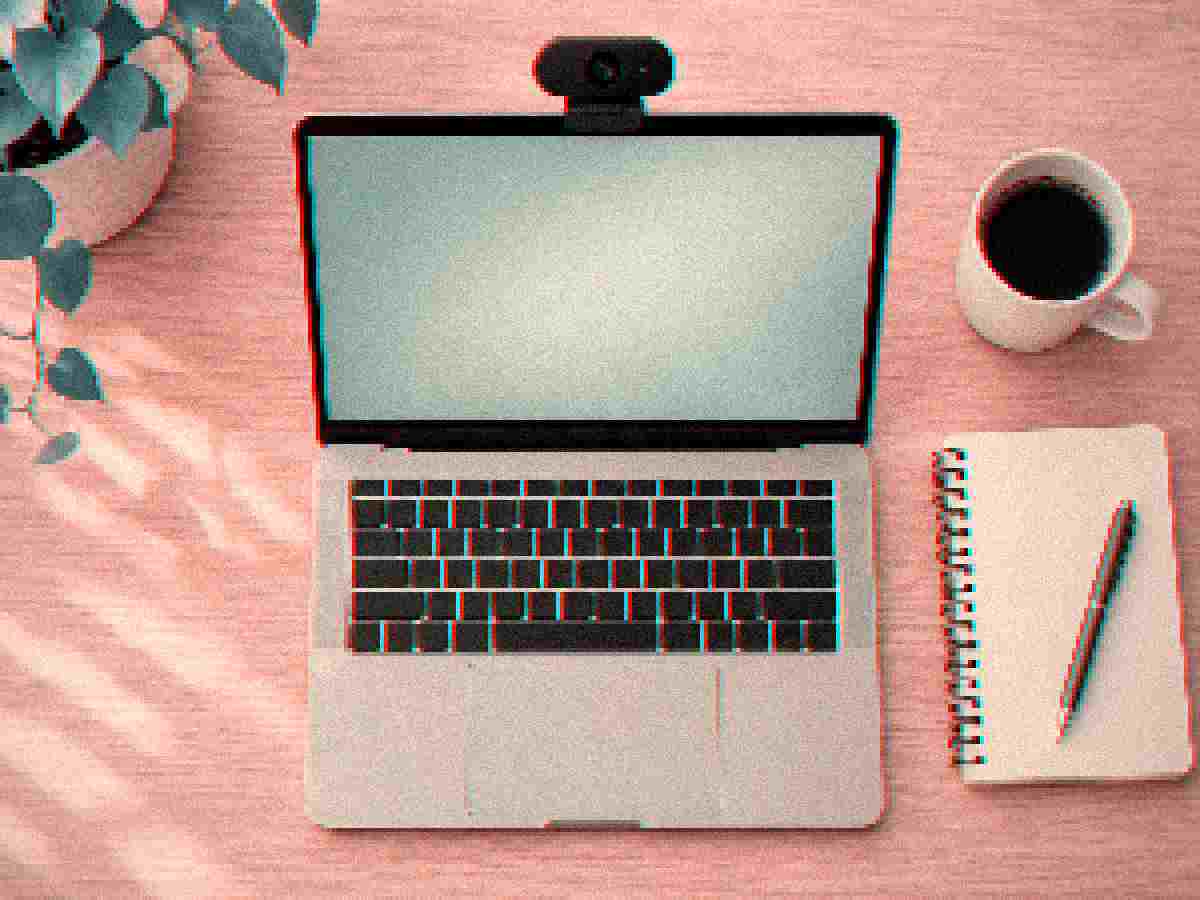
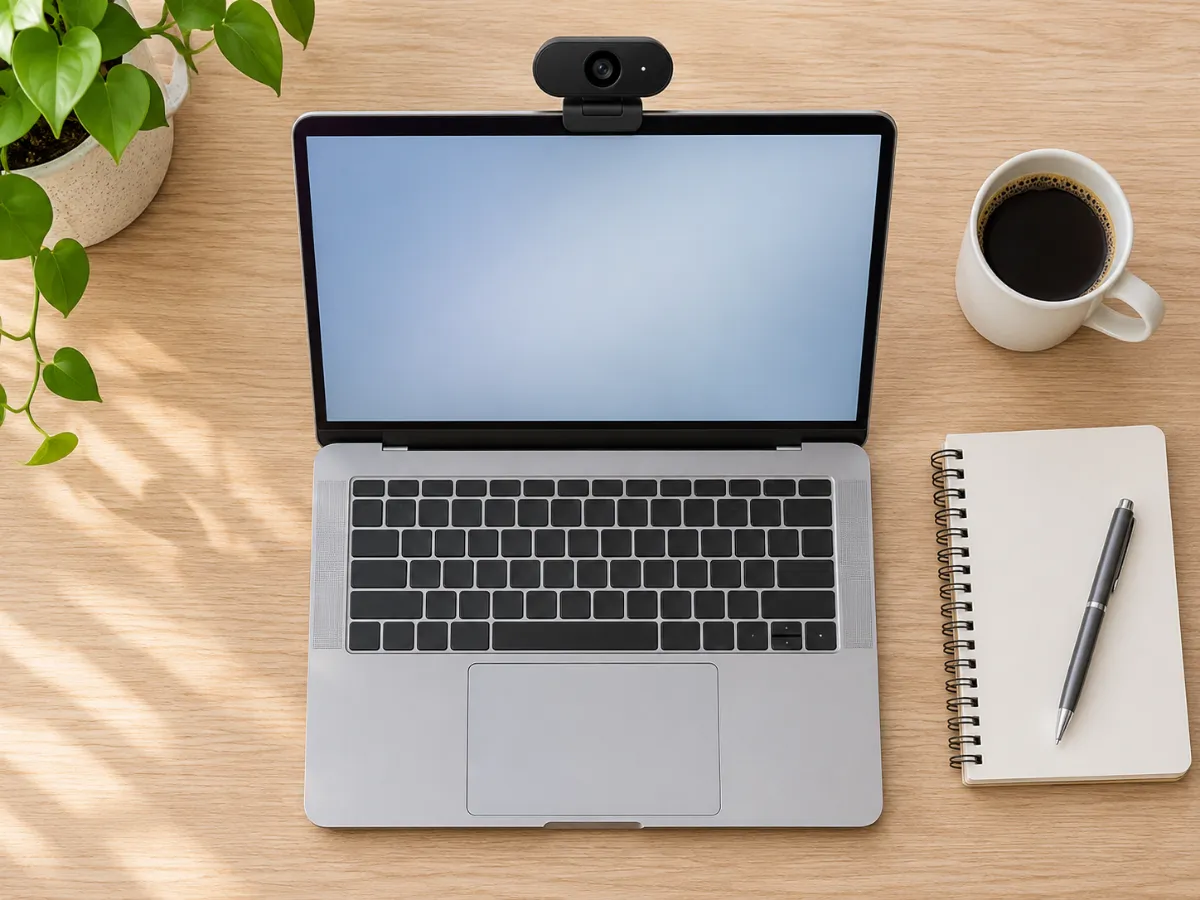 OriginalDegraded
Webcam Soft
VintageQuality 14% • 2 Passes • Pixelate 4x • Deep Fry 10%
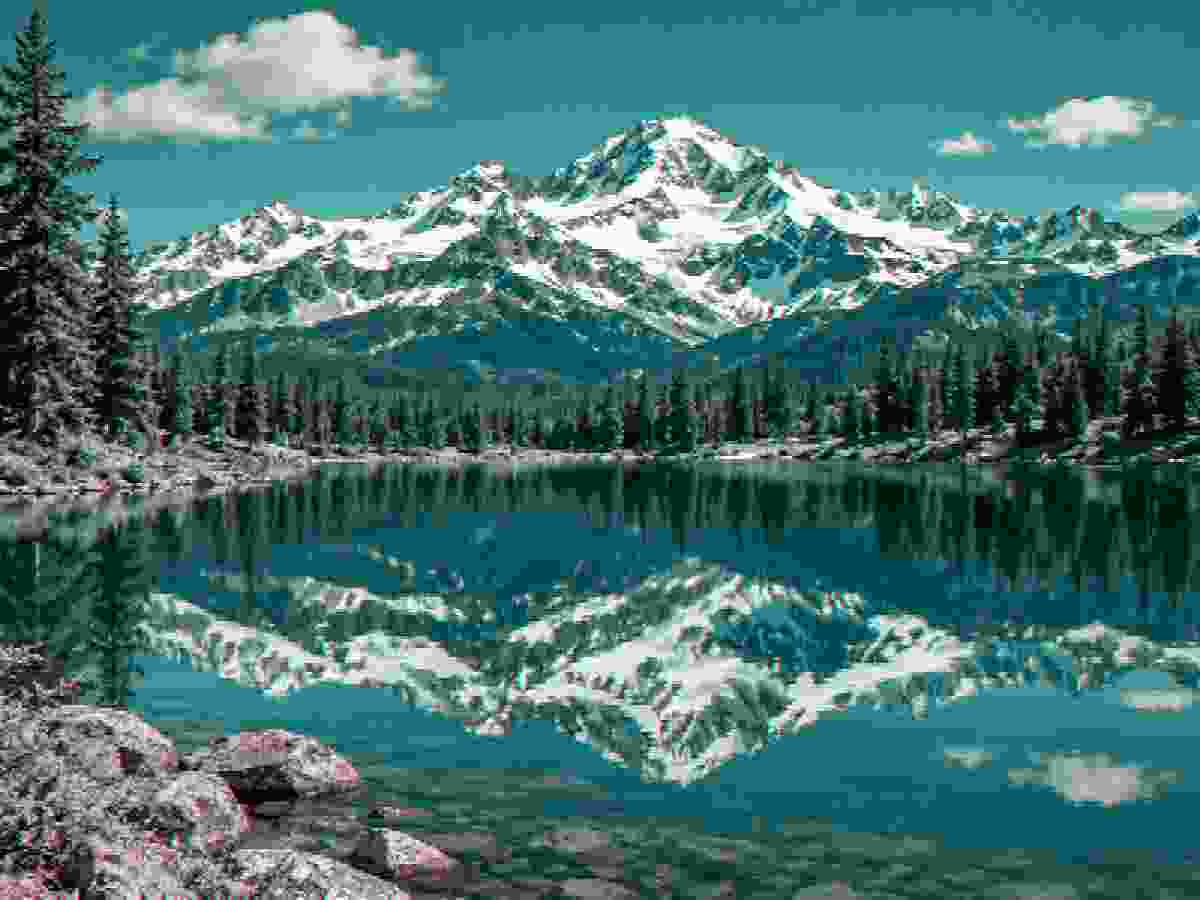
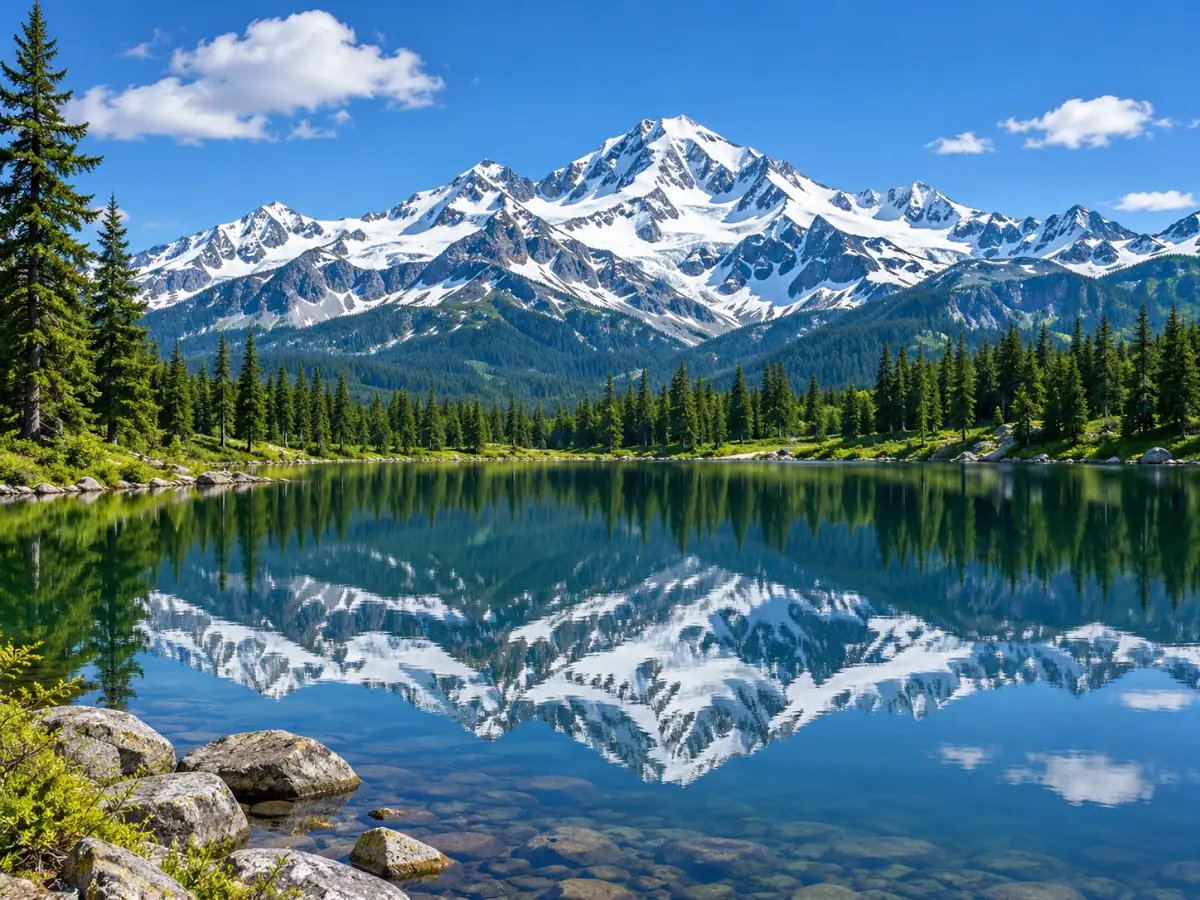 OriginalDegraded
Tiny KB
Ultra LowQuality 5% • 6 Passes • Pixelate 3x • Deep Fry 5%

 OriginalDegraded
Retro Pixel
Retro 8-BitQuality 15% • Pixelate 12x • Deep Fry 30% • Noise 10%
Example photos are AI-generated.
What Is a Low Quality Image Maker?
A low quality image maker is a browser tool that degrades digital pictures on purpose. It lowers picture fidelity with JPEG compression, pixelation, sensor noise, and color shifts. Instead of enhancing photos, this tool introduces authentic visual flaws directly inside your web browser.
Many creators need a dependable low quality image generator to recreate nostalgic digital styles. High-resolution photos often lack personality or comedic punch. Our tool lets you convert crisp files into low quality images quickly.
Our image degrader runs locally using client-side canvas technology. You never have to install apps or upload personal files across the web. It operates as an intuitive platform for artistic distortion.
How to Make a Low Quality Image in 3 Steps
Degrading pictures with our low quality picture maker takes only seconds. Follow these three steps to degrade image files on any device.
- Upload your picture: Drop any file into the workspace or paste it from your clipboard. Our editor loads your file into browser memory immediately.
- Tune distortion settings: Adjust the sliders to reduce clarity, add sensor grain, or apply a low quality filter. You can also pick a preset to apply an instant quality effect.
- Export your file: Inspect the split preview and download your low quality pic. You can also copy your transformed photo directly to your clipboard.
What You Can Control
Our image quality degrader provides granular control over visual degradation. You can use the pixelation slider to turn any portrait into chunky blocks. The pixel degrader merges adjacent pixels to simulate vintage arcade hardware.
You can also apply our low quality image filter to inject sensor noise. Adding grain produces a convincing low grainy image texture. In addition, the scanline control reproduces the interlaced raster lines of old television monitors.
For extreme visual impact, the deep fry slider hyper-saturates vibrant colors and clips dynamic range. Multi-pass compression repeatedly compresses the canvas to recreate heavy generational loss. These versatile features turn our platform into a potent image destroyer for chaotic edits.
Ready-Made Looks
Choose from our library of instant one-click presets for immediate results. The deep-fried option adds blistering saturation, making it perfect for low quality memes.
The chat forwarded preset recreates the fuzzy artifacts of pictures reshared across messaging channels. The handheld preset downscales pictures into nostalgic pixel art, linking directly to our low resolution image tool.
If you need to satisfy strict upload limits, try our lower image quality tool to hit specific file sizes. To burn contrast and clip highlights, launch our image frier.
Why People Make Low Quality Photos and Pics
Digital creators deliberately seek out low quality pics to match modern humor styles. Memes and reaction images are often funnier when presented with bad quality. High-resolution photos can feel stiff, while low quality pictures feel spontaneous and authentic.
Designers also produce low quality photos to evoke nostalgia for early web culture. Early webcams and vintage camera phones possessed distinctive visual flaws. Furthermore, software engineers need poor image quality samples to test thumbnail pipelines and image compressors.
Some online registration portals reject heavy files. Using our compression sliders allows you to reduce picture weight quickly.
Your Images Stay Private
We built this bad quality image maker with complete user privacy in mind. Standard online editors upload your graphics to remote server clusters for processing. That creates security hazards for private photos and sensitive documents.
Our image processing avoids external servers completely. All calculations occur inside your browser using HTML5 Canvas and Web Workers. When you close the browser tab, all temporary image data vanishes immediately.
You never need to create an account or provide an email. There are no accounts required, no hidden paywalls, and no watermarks placed on your exports.
Free, Fast and Works on Phone
Our tool is completely free on desktop computers, tablets, and mobile devices. Touch controls make it effortless to adjust sliders directly on mobile screens.
If you have several pictures to degrade, use our batch feature. You can process up to ten pictures simultaneously and download them in a ZIP archive. You can also copy any degraded picture directly to your device clipboard.
The interactive split preview lets you examine original and degraded versions side by side. This allows you to evaluate compression artifacts carefully before saving.
Need Better Quality Instead?
This utility is built solely as a quality downgrader for pictures. We reduce image fidelity to assist users with creative aesthetics, memes, and size reduction.
If you arrived here searching to sharpen, enhance, or restore a blurry photo, this tool will not help. You would need photo restoration software rather than a distortion tool.
For creators who deliberately want bad image quality, our generator delivers authentic results. You have complete freedom to dial in subtle noise or create a super low quality image.
Related Tools and Looks
Explore our specialized sister tools to find the exact visual style for your project.
low quality memes
Make hilarious memes with bold caption bars, saturation boosts, and authentic chat compression.
lower image quality
Lower picture weight to an exact kilobyte target for administrative portals and email attachments.
low resolution image
Downscale modern digital photography into retro eight-bit pixel art and chunky mosaic textures.
image frier
Overdrive saturation curves, clip exposure thresholds, and fry images into chaotic meme graphics.
How Digital Image Degradation Works
Digital distortion stems from three distinct computational processes: lossy transform quantization, spatial downsampling, and generational re-encoding. Understanding these mechanics explains why compressed graphics develop their characteristic appearance.
Standard JPEG compression partitions an image into small eight-by-eight pixel blocks and converts them into frequency components. During encoding, high-frequency details that human vision notices least are discarded first. At low quality levels, coarse quantization makes the boundaries between these blocks visible, creating ringing halos along contrast edges.
Resolution loss depends on the interpolation algorithm used during scaling. Bilinear and bicubic filters calculate weighted averages of adjacent pixels, resulting in blurry transitions. In contrast, nearest-neighbor downscaling maps coordinates to their closest original pixel without blending, preserving sharp rectangular mosaic blocks.
Generational loss occurs when an already compressed file is decompressed and re-encoded repeatedly. Each encoding pass introduces cumulative rounding errors on top of prior artifacts. Over multiple cycles, edge noise compounds and color boundaries drift, producing the weathered aesthetic familiar from forwarded media.
Why People Intentionally Degrade Images
From viral humor to strict document compliance, low quality imagery serves a distinct creative and technical purpose.
Memes & Viral Humor
Clean 4K images feel sterile in internet meme culture. Deep-frying, JPEG crushing, and pixelating punchlines signals genuine viral humor and community resonance.
Retro & Lo-Fi Aesthetics
Recreate the nostalgic feeling of early 2000s webcams, flip phone snapshots, VHS tracking fuzz, and 8-bit handheld console graphics for music covers and artistic design.
Network & Compression Stress-Testing
Software developers and QA engineers use degraded images to test how responsive web apps, caching pipelines, and machine learning models handle corrupted or low-bandwidth assets.
Bypassing Strict File Size Caps
University application portals, visa forms, and legacy government websites often strictly enforce under 50 KB or 100 KB file limits. Lower quality to hit the exact ceiling.
Frequently Asked Questions
Everything you need to know about browser-based image degradation, file sizes, and privacy.
كيف يمكنني جعل الصورة منخفضة الجودة عمداً؟
هل يتم رفع صوري إلى أي سيرفر؟
Explore Related Degradation Tools
low quality memes
Create viral humor with crunchy JPEG compression, saturation boosts, and authentic chat decay.
lower image quality
Lower photo file size to exact kilobyte targets for strict portal uploads and email limits.
low resolution image
Downscale digital photos into retro eight-bit pixel art and authentic mosaic textures.
image frier
Overdrive saturation, clip highlight thresholds, and fry images into chaotic visual art.